

Kling 3.0 Pro — Video with sound, built in
Kling 3.0 Pro is the higher-tier model in the Kling 3.0 line for text, image and first-and-last-frame video. Clips run 3 to 15 seconds and every request returns video with audio. It supports text-to-video, image-to-video and first and last frame, and is priced at the 1080p tier with no resolution parameter.
Highlights
3–15 s · Single tier · Text to video · Image to video · First and last frame
Best for
Clips where sound matters, such as ambience-driven scenes and social videos that ship with audio.
Input
Text, first frame, last frame
Output
Video with audio
Checking your session…
Pricing
Prepaid in US dollars. We hold the quoted amount while it runs and charge it only on delivery — failed runs are free.
Cost of your first test
$0.8064
One 5-second clip at the lowest-cost settings.
What your top-up buys
Top up$10
≈ 12 test runs
$50
≈ 62 test runs
$100
≈ 124 test runs
| Model | Mode | Resolution | Our price | Official | You save |
|---|---|---|---|---|---|
Kling 3.0 Pro Kuaishou | Text to video | 1080p | $0.1612/s | $0.168/s | -4% |
Kling 3.0 Pro Kuaishou | Image to video | 1080p | $0.1612/s | $0.168/s | -4% |
Kling 3.0 Pro Kuaishou | First and last frame | 1080p | $0.1612/s | $0.168/s | -4% |

This model has one fixed resolution, so every request is priced the same tier.
What is the Kling 3.0 Pro API?
The Kling 3.0 API generates video together with audio from Kuaishou's Kling 3.0 model. The Pro model is priced at the 1080p tier and the Standard model at 720p, and neither takes a resolution parameter. Kling 3.0 4K adds a 4K tier but only supports text-to-video. Aspect ratios for text-to-video are 9:16, 16:9 and 1:1.
3 ways to generate, one endpoint
Set mode, send the inputs it needs — that's it.
Text to video
mode: "t2v" · prompt
Just a prompt — the model builds the shot from scratch.
Image to video
mode: "i2v" · image_url
Send an image in image_url and it becomes the opening frame.
First and last frame
mode: "flf" · image_url + last_image_url
Set the first and last frame; the model animates everything in between.
What you can build with this model
Workflows this model is a good fit for.
Short clips with sound
Create social or ad clips with audio included, without a separate audio step.
Try it in the playgroundAnimating a key image
Start from a still frame and let the model add motion and sound.
Try it in the playgroundDirected transitions
Pin the first and last frame of a shot to control where the scene begins and ends.
Try it in the playgroundWhy run Kling 3.0 Pro on MakerNice
Quote before you pay
Every run gets an exact quote first, locked for 12 minutes. You're charged that amount — never more.
Failed runs are free
We hold the amount while the model runs and charge only on delivery. Failures and queued cancellations cost nothing.
Switch models with one field
Same request, key, balance and console for all 16 models. Not happy with the result? Change model and run it again.
Which should you pick: Kling 3.0 Pro, Kling 3.0 Standard, Kling 3.0 4K?
Compare modes, length, resolution and references, then run the same prompt on each.
| Kling 3.0 Pro | Kling 3.0 Standard | Kling 3.0 4K | |
|---|---|---|---|
| Modes | Text to video · Image to video · First and last frame | Text to video · Image to video · First and last frame | Text to video |
| Duration | 3–15 s | 3–15 s | 3–15 s |
| Resolution | Single tier | Single tier | Single tier |
| Reference images | Not supported | Not supported | Not supported |
| Audio | Included | Included | Included |
| Starting price | $0.1612/s | $0.1209/s | $0.5142/s |
Integrate Kling 3.0 Pro in three steps
Step 1
Create an API key
Sign in, top up and create a key in the console. Set a spend limit per key so nothing runs away.
OpenStep 2
Quote and create
POST the input to /v1/generations/quote with the model field set to kling-3.0-pro, then create the generation with the quote id.
OpenStep 3
Poll the result
GET /v1/generations/{id} until the status is succeeded, then download the output.
OpenDocs/API/KLING-3-0-PRO
API reference
Copy-paste requests for this model. The full parameter reference is in the docs.
curl https://api.makernice.com/v1/generations/quote \
  -H "Authorization: Bearer $MAKERNICE_API_KEY" \
  -H "Content-Type: application/json" \
  -d '{
    "model": "kling-3.0-pro",
    "mode": "t2v",
    "prompt": "A street musician plays saxophone under a bridge at night, rain falling, city ambience in the background.",
    "duration": 5
  }'
Invalid request
400 invalid_request names each failing field. Fields the mode doesn't use are rejected too. Nothing is held.
Key or balance
401 means a missing or invalid key; 402 means the balance or the key's spend limit isn't enough.
Quote problems
A changed price-affecting field returns 422 quote_mismatch; an expired quote 410; a used one 409. Get a new quote.
Failed generation
A failed generation is never charged — the hold is released in full. Keep the generation id and retry when you're ready.
Frequently asked questions
Common questions about this model.
What is Kling 3.0 Pro?
How long can Kling 3.0 Pro videos be?
How many reference images does Kling 3.0 Pro support?
How much does Kling 3.0 Pro cost per second?
Kling 3.0 Pro vs Kling 3.0 Standard: which should I use?
Does every Kling video include audio?
Can I choose a resolution?
Which aspect ratios are available?
More Posts
Related models
Compare all modelsSimilar models worth comparing.
 Video
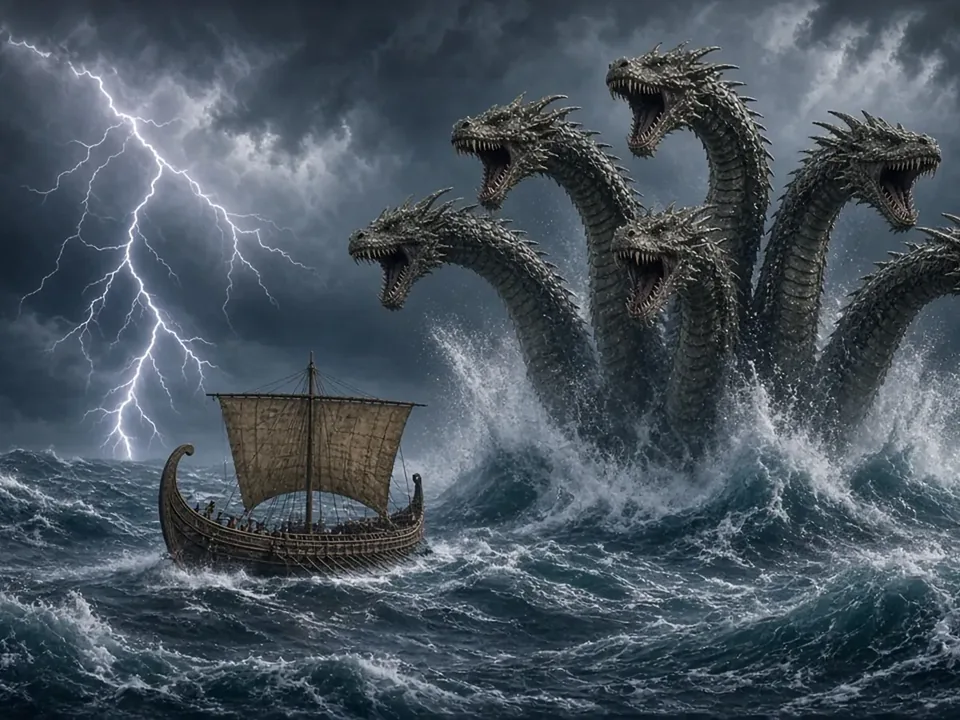
VideoKling 3.0 Standard
-4%Kling 3.0 with audio at the 720p tier — the budget pick for social clips that need sound.
 Video
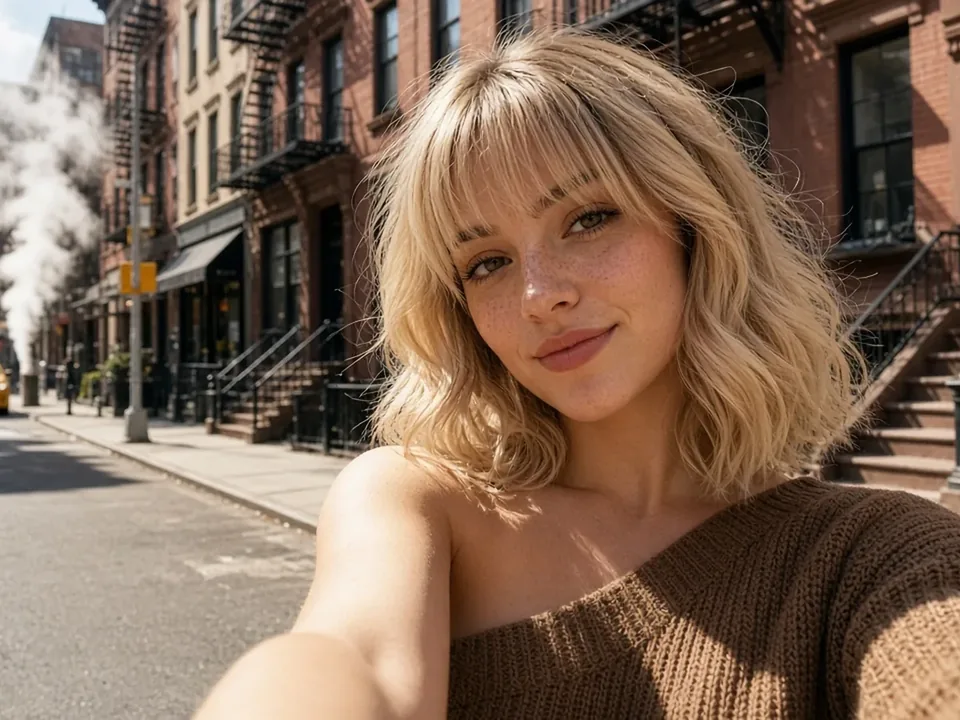
VideoKling 3.0 4K
Prompt-to-4K with sound: Kling 3.0 4K turns text into 3–15 second clips with audio, priced at the 4K tier.
 Video
VideoSeedance 2.5
ByteDance's flagship for long takes: up to 30 seconds, 480p to 4K, and up to 16 reference images to keep every shot on-model.
 Video
VideoSeedance 2.0
The all-rounder for ads and social: 4–15 second clips at 720p or 1080p from text, a still, first and last frames, or up to 9 references.
● Start building
See what it does with your prompt
Test it in the playground, or grab an API key and ship it today.