

 Guides
Why AI Video Remakes Fail: Fix Faces, Scene Drift and Motion
MakerNice Team ·
AI video remakes usually fail for three reasons: the face in the frame is a real person the platform will not accept, the scene was generated from text so the composition drifts, and one long shot asks for too many actions. On MakerNice, each has a fix with existing modes: an AI-generated character, a first frame that pins the composition, and one action per shot.
What are the most common reasons an AI video remake fails?
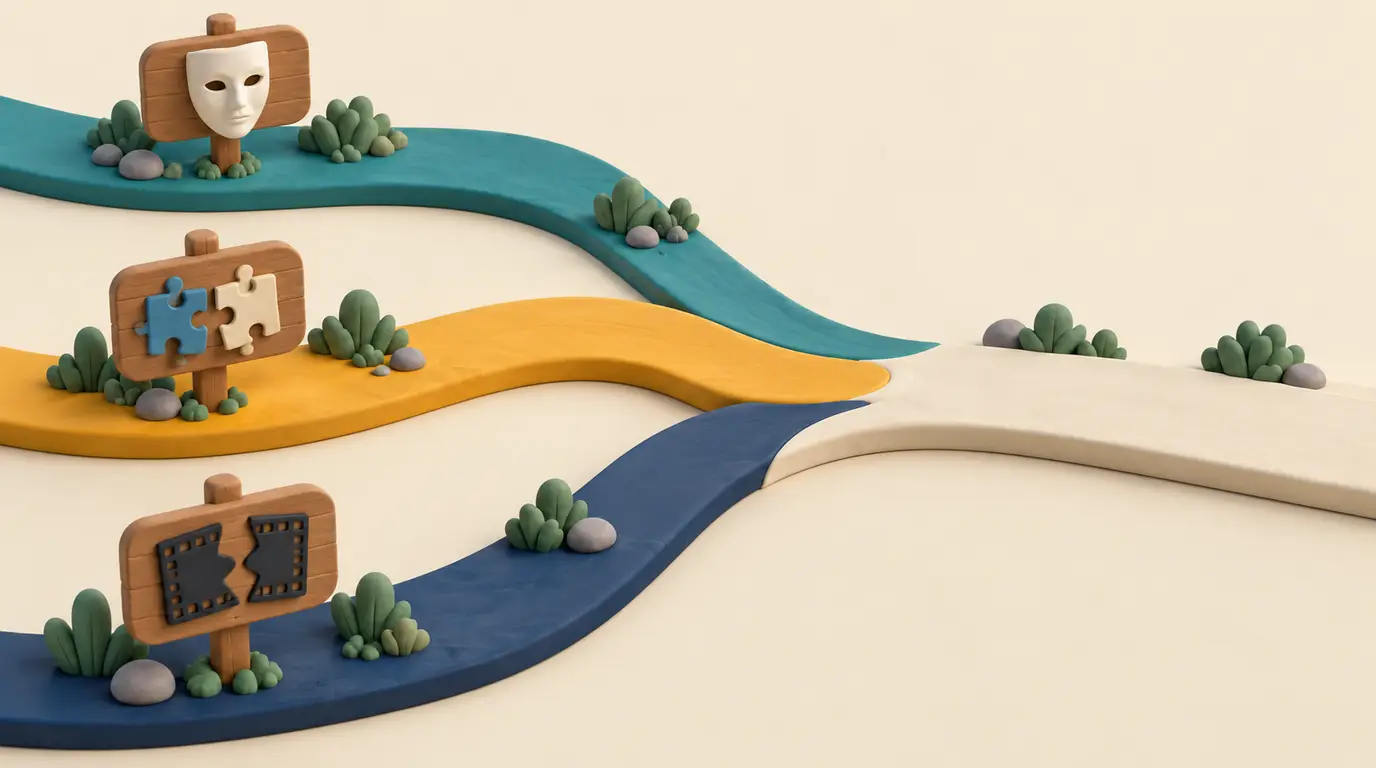
| Symptom | Likely cause | Fix | Mode |
|---|---|---|---|
| Request rejected or result withheld | A real person you have no rights to | Use an AI-generated character | t2i, then i2v |
| Character changes between shots | Each shot generated from text alone | Same reference images every shot | r2v |
| Framing does not match the original | Pure text-to-video | Start from a first frame | i2v |
| Shot ends in the wrong place | Only the opening frame is pinned | Pin the closing frame too | flf |
| Motion is muddled or out of order | Several actions in one prompt | One main action per shot | Any video mode |
| Pacing feels off | Clip much longer than the shot | Match duration to the shot | Any video mode |
Why was the face in my AI remake rejected?
Many AI video services restrict real faces, public figures and anyone whose likeness you have no rights to, and MakerNice does too. Its Acceptable Use Policy allows only images you own or have permission to use, and even with consent it forbids face swaps and making a real person appear to say or do something they never did. Requests are moderated before generation, and a create request whose content is rejected returns 422 content_rejected. After generation, frames sampled from every video are checked again, and a result that fails is withheld.
- Build the lead as an AI-generated character with a text-to-image model such as Seedream 5.0, then use that image as the first frame.
- Keep real people out of generated shots: under the limits above, even consent does not allow putting them into a scene they never took part in.
- Keep the same character images for every shot, so the person does not change from one shot to the next.
- Do not reword or disguise a rejected request to get it through; the policy prohibits trying to bypass moderation. Change the content instead.
Why doesn't my AI remake match the original scene?
Text-to-video lets the model compose its own frame, so no prompt reproduces an exact layout. Pin the frame instead. In image-to-video (mode i2v), image_url becomes the first frame, so subject, setting and framing start where you put them. When the shot must also end on a set frame, use first and last frame (mode flf) and add last_image_url; every video model except Happy Horse 1.1 and Kling 3.0 4K supports it. To keep one character across shots, use reference-to-video (mode r2v) with the same reference_images: Seedance 2.5 from ByteDance takes up to 16, Wan 3.0 from Alibaba up to 10 and MiniMax H3 up to 5. References keep the character but do not become a frame, so r2v does not pin the composition the way i2v does.
Why does the motion look wrong in my AI remake?
Motion drifts when one prompt asks for several things in a row, or when one clip runs much longer than the shot it copies. Break the original into shots and generate each one separately, with a prompt that names one main action and the camera move. The duration field takes whole seconds, defaults to 5 on every video model and must fall inside the model's range.
| Model | Duration (seconds) | First and last frame | Max r2v references |
|---|---|---|---|
| Wan 3.0, Wan 3.0 Prime | 2 to 30 | Yes | 10 |
| Kling 3.0 Pro, Standard | 3 to 15 | Yes | No r2v |
| Happy Horse 1.1 | 3 to 15 | No | 9 |
| Seedance 2.5 | 4 to 30 | Yes | 16 |
| Seedance 2.0, 2.0 Fast | 4 to 15 | Yes | 9 |
| MiniMax H3 | 5 to 15 | Yes | 5 |
| MiniMax H3 Max | 5 to 15 | Yes | 4 |
| MiniMax H3 Max Turbo | 5 to 15 | Yes | No r2v |
Kling 3.0 4K is text-to-video only, so it cannot start from a first frame. If the original shot is shorter than a model's minimum, pick a model that goes lower, or generate the minimum and trim it in your own editing software; MakerNice generates clips but does not edit or join them.
How do you remake a video without copying someone else's work?
Recreate the structure, not the content: pacing, shot types, camera moves and composition. Use reference footage you shot yourself or have the right to use, build the people as AI-generated characters, and leave out other creators' faces, characters, logos and brands. The MakerNice Acceptable Use Policy lists deepfakes and impersonation, and copyright and trademark infringement, as prohibited content.
For field-level detail, read the image-to-video and first and last frame guide and the reference-to-video guide. To try a single shot, open a model page such as Wan 3.0 or Seedance 2.5 and use its Playground; to see what a shot costs before you generate it, request a quote or check the Pricing page.
Frequently asked questions
What does 422 content_rejected mean when I create a generation?
Am I charged when MakerNice moderation blocks a remake shot?
Can I use a friend's face in an AI video remake if they agree?
Which MakerNice video model can generate a 2 second shot?
Does MakerNice have a one-click video remake tool?
Models in this post
 Video
VideoSeedance 2.5
ByteDance's flagship for long takes: up to 30 seconds, 480p to 4K, and up to 16 reference images to keep every shot on-model.
 Video
VideoWan 3.0
-21%The widest duration range on MakerNice — 2 to 30 seconds — at 480p, 720p or 1080p, with every input mode and up to 10 references.
 Video
VideoMiniMax H3
-25%MiniMax's H3 with a 2K default and a 4K option — 5–15 second clips from text, a still, first and last frames, or up to 5 references.
 Video
VideoKling 3.0 Pro
-4%Video that ships with sound: Kuaishou's Kling 3.0 Pro adds audio to every 3–15 second clip, from text, a still or first and last frames. 1080p tier.