

 Comparisons
Best AI Video Models for Remakes: Key Frames, References, Duration
MakerNice Team ·
There is no single best model for remaking a video on MakerNice; the right one depends on which capability each shot needs. Seedance 2.5 from ByteDance offers the most reference images (16) and clips up to 30 seconds at up to 4k, Wan 3.0 from Alibaba runs 2 to 30 seconds, and Kling 3.0 from Kuaishou is the only line with built-in audio. This comparison uses catalog facts only and does not rank output quality.
Which capabilities matter most when you remake a video shot by shot?
- Image-to-video (i2v): you edit one key frame per shot and send it as image_url, so the framing starts from your frame instead of a text description.
- First and last frame (flf): you also send last_image_url, which pins where the shot ends as well as where it starts.
- Reference-to-video (r2v): you send several images of the same character or product in reference_images; the per-model limit decides how many angles you can supply.
- Duration range and top resolution: each shot of the original must fit the model's seconds range, and the resolution options set the final frame size.
How do all 12 MakerNice video models compare for remakes?
| Model | i2v | flf | r2v (max refs) | Duration | Top resolution | Audio |
|---|---|---|---|---|---|---|
| Seedance 2.5 | Yes | Yes | Up to 16 | 4 to 30 s | 4k | Not listed |
| Seedance 2.0 | Yes | Yes | Up to 9 | 4 to 15 s | 1080p | Not listed |
| Seedance 2.0 Fast | Yes | Yes | Up to 9 | 4 to 15 s | 720p (fixed) | Not listed |
| MiniMax H3 | Yes | Yes | Up to 5 | 5 to 15 s | 4k | Not listed |
| MiniMax H3 Max | Yes | Yes | Up to 4 | 5 to 15 s | 1080p | Not listed |
| MiniMax H3 Max Turbo | Yes | Yes | No | 5 to 15 s | 1080p | Not listed |
| Wan 3.0 | Yes | Yes | Up to 10 | 2 to 30 s | 1080p | Not listed |
| Wan 3.0 Prime | Yes | Yes | Up to 10 | 2 to 30 s | 1080p | Not listed |
| Kling 3.0 Pro | Yes | Yes | No | 3 to 15 s | 1080p (fixed) | Always included |
| Kling 3.0 Standard | Yes | Yes | No | 3 to 15 s | 720p (fixed) | Always included |
| Kling 3.0 4K | No | No | No | 3 to 15 s | 4k (fixed) | Always included |
| Happy Horse 1.1 | Yes | No | Up to 9 | 3 to 15 s | 1080p | Not listed |
Every model defaults to 5 seconds when duration is left out. Models marked fixed take no resolution field: the variant sets the tier. All 12 also support text-to-video, but a remake gets its framing from an edited key frame, so the three image-based modes are what this table compares.
Which model keeps a character consistent across shots?
If the same virtual character or product appears in many shots, reference-to-video lets you send several views of it with each request. Seedance 2.5 accepts up to 16 reference images, Wan 3.0 and Wan 3.0 Prime up to 10, Seedance 2.0, Seedance 2.0 Fast and Happy Horse 1.1 up to 9, MiniMax H3 up to 5 and H3 Max up to 4. More slots means more angles and outfits per request; it is a limit, not a quality score.
Which models lock the composition with a key frame?
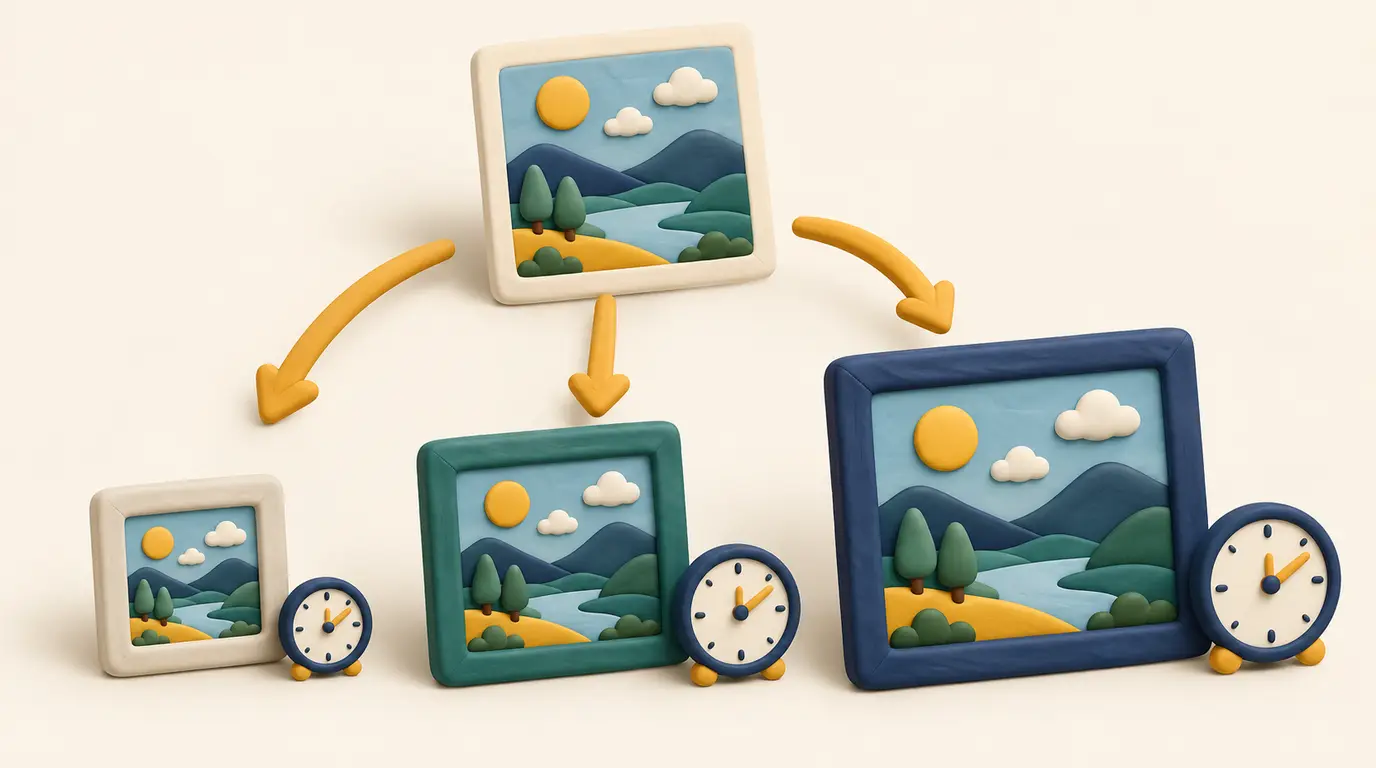
Image-to-video is available on every video model except Kling 3.0 4K, and first and last frame on every model except Kling 3.0 4K and Happy Horse 1.1. When a shot needs a 4k finish with a locked start frame, Seedance 2.5 and MiniMax H3 are the two that list a 4k option alongside both modes; Kling 3.0 4K reaches 4k only from text. If the shot needs sound from the model itself, Kling 3.0 Pro or Standard is the only choice with image-to-video and audio together.
Which models handle long takes or very short cuts?
A continuous take longer than 15 seconds fits only Seedance 2.5 or Wan 3.0 and Wan 3.0 Prime, which accept up to 30 seconds. Fast-cut originals are the opposite case: Wan 3.0 accepts clips from 2 seconds, Kling 3.0 and Happy Horse 1.1 from 3, Seedance from 4 and MiniMax H3 from 5. Shots shorter than a model's minimum have to be trimmed in your editor afterwards.
Which models can output vertical 9:16 for a remake?
In text-to-video, all 12 models accept 9:16. In image-to-video and first and last frame, only Seedance 2.0 and Seedance 2.0 Fast take an aspect_ratio field, 9:16 included; the other models reject the field in these modes. In reference-to-video, Seedance 2.0, Seedance 2.0 Fast, MiniMax H3 and H3 Max accept 9:16, while Seedance 2.5, Wan 3.0 and Happy Horse 1.1 take no aspect_ratio there.
Which image model should you use to swap the subject in the first frame?
- Seedream 5.0 accepts up to 14 reference images in image-to-image and outputs a fixed 2k tier.
- Seedream 5.0 Pro accepts up to 10 reference images and offers 1k or 2k.
- Qwen3 Image and Qwen3 Pro Image accept up to 3 reference images and offer 1k or 2k; all four image models accept 9:16 in image-to-image.
MakerNice generates each shot as a separate clip; there is no one-click remake or stitching, so cut the clips together in any video editor. Remake the structure, meaning pacing, shots and framing, not someone else's work or likeness: use footage you have rights to and AI-generated characters for people, because the acceptable use policy does not allow placing real people in fabricated scenes, even with consent. For costs, check the Pricing page or request a quote, and read the image-to-video and first and last frame guide for the request fields.
Frequently asked questions
Which MakerNice video models support first and last frame for remakes?
Can Kling 3.0 4K turn an edited key frame into a shot?
How many reference images can Seedance 2.5 take in reference-to-video?
Does MakerNice join remade shots into one video?
Models in this post
 Video
VideoSeedance 2.5
ByteDance's flagship for long takes: up to 30 seconds, 480p to 4K, and up to 16 reference images to keep every shot on-model.
 Video
VideoWan 3.0
-21%The widest duration range on MakerNice — 2 to 30 seconds — at 480p, 720p or 1080p, with every input mode and up to 10 references.
 Video
VideoMiniMax H3
-25%MiniMax's H3 with a 2K default and a 4K option — 5–15 second clips from text, a still, first and last frames, or up to 5 references.
 Video
VideoKling 3.0 Pro
-4%Video that ships with sound: Kuaishou's Kling 3.0 Pro adds audio to every 3–15 second clip, from text, a still or first and last frames. 1080p tier.
 Video
VideoSeedance 2.0
The all-rounder for ads and social: 4–15 second clips at 720p or 1080p from text, a still, first and last frames, or up to 9 references.
 Image
ImageSeedream 5.0
-4%Blend up to 14 reference images into one: Seedream 5.0 is built for character sheets, collages and style fusion, priced as a single 2K tier.