

 Guides
Text-to-Video Prompt Tips for Seedance 2.5, Wan 3.0 and Kling 3.0
MakerNice Team · ·
A good text-to-video prompt describes one shot in five parts: a subject, a single action, one camera move, the light, and a pace that fits the duration. This structure works across the video models on MakerNice, including ByteDance's Seedance 2.5, Alibaba's Wan 3.0 and Kuaishou's Kling 3.0 Pro. Treat it as a starting point, because each model reads prompts a little differently and results vary from run to run.
How long should a text-to-video prompt be?
The prompt field accepts 1 to 4,000 characters, but longer is not better. Video models respond best to a short, concrete description of one shot. Adjectives like beautiful or cinematic add little; nouns, verbs and specific details about the camera and the light give the model something it can actually render.
| Part | What to write | Example |
|---|---|---|
| Subject | Who or what is on screen, concretely | A fishmonger in a rubber apron |
| Action | One main action, not a plot | Lifts a silver fish from the ice |
| Camera | One move or a locked-off framing | Slow dolly-in at eye level |
| Light | Time of day, source and quality | Cold overhead fluorescent light |
| Pace | How fast things move for the duration | Calm and steady, one gesture |

How do you describe the subject and the action?
Start with who or what is on screen, then say what it does. Vague nouns produce vague footage. Prefer a single main action over a list of events, since a short clip rarely has room for a plot. Instead of a busy market with lots happening, write a fishmonger lifting a silver fish from the ice and holding it toward the camera.
How should you direct the camera in a prompt?
Say how the camera behaves: a slow dolly-in, a locked-off wide shot, a handheld follow, a low angle, a slow orbit. If you do not specify, the model chooses for you. Give one camera move per clip; combining several tends to look muddled.
How do light and mood change the shot?
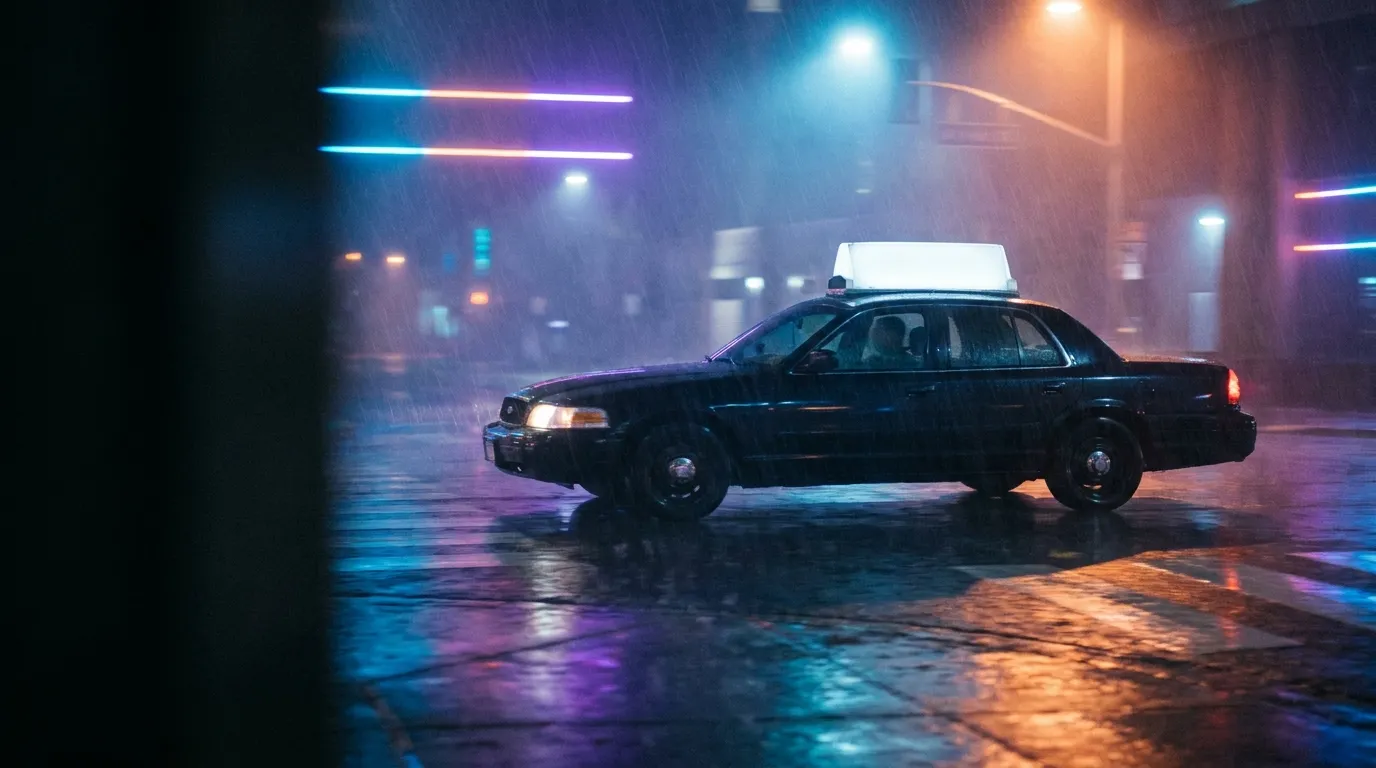
Light does more for a shot than adjectives. Mention the time of day, the source and the quality: low golden sunlight through dust, cold overhead fluorescent light, neon reflections on wet asphalt. Add a few concrete details about materials and colors to anchor the style.
How do you match the prompt to the clip duration?
Pick the duration first, then write for it. A 4 to 5 second clip fits one gesture or one camera move. A longer clip can hold a slow evolution, such as clouds building or a character walking to a door, but the prompt should describe that progression rather than a cut. Duration and aspect ratio limits differ by model:
| Model | Duration | Default | Text-to-video aspect ratios |
|---|---|---|---|
| Seedance 2.5 | 4 to 30 s | 5 s | adaptive, 16:9, 9:16, 1:1, 4:3, 3:4, 21:9, 9:21 |
| Wan 3.0 | 2 to 30 s | 5 s | adaptive, 16:9, 9:16, 1:1, 4:3, 3:4 |
| Kling 3.0 Pro | 3 to 15 s | 5 s | 9:16, 16:9, 1:1 |
What does a weak prompt look like next to a better one?
- Weak: a cool video of a city at night.
- Better: A taxi crosses an empty intersection in light rain, neon signs reflected on the wet road, low camera tracking sideways at the car's speed, cool blue shadows with warm red highlights, calm and steady pace.
- Weak: a dancer.
- Better: A dancer in a white linen dress turns slowly in an empty studio, soft window light from the left, static medium shot, dust floating in the air.
aspect_ratio is validated against the model, so a value outside the list above is rejected. Iterate with a short, low-resolution draft like the request below, then render the version you like at full quality.
{
  "model": "seedance-2.5",
  "mode": "t2v",
  "prompt": "A dancer in a white linen dress turns slowly in an empty studio, soft window light from the left, static medium shot, dust floating in the air",
  "duration": 5,
  "resolution": "480p",
  "aspect_ratio": "16:9"
}
Next, read the guide to choosing resolution and duration to plan the final render, and request a quote, or check the Pricing page, to see the exact cost before you generate.
Frequently asked questions
What is the maximum prompt length for Seedance 2.5 text-to-video?
Does Kling 3.0 Pro text-to-video support 21:9?
Can I send a negative_prompt field?
Will the same prompt give the same video every time?
Models in this post
 Video
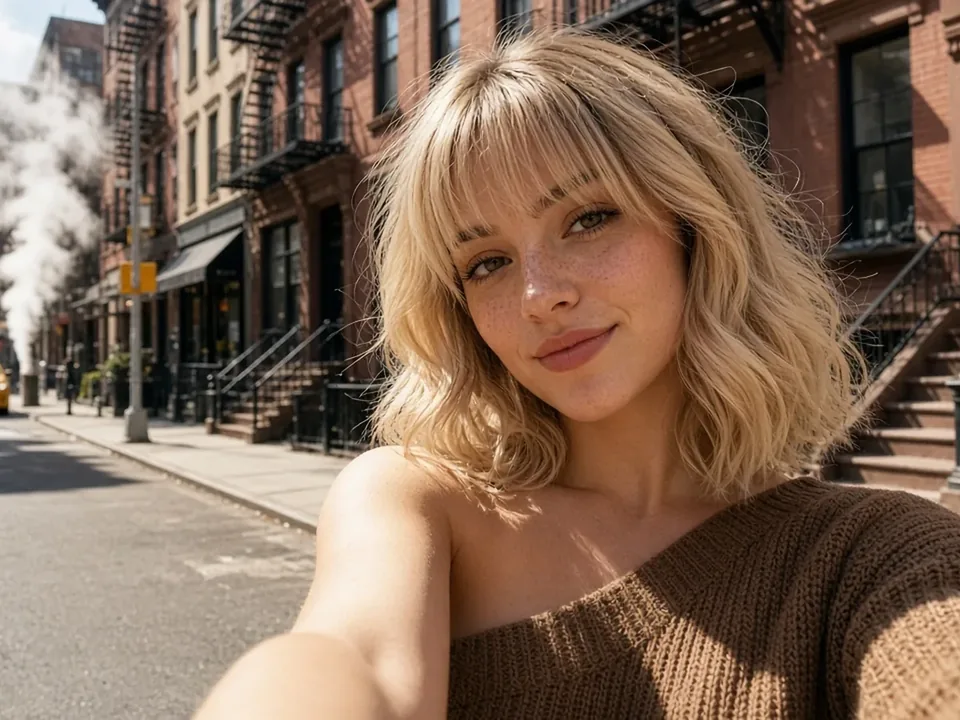
VideoSeedance 2.5
ByteDance's flagship for long takes: up to 30 seconds, 480p to 4K, and up to 16 reference images to keep every shot on-model.
 Video
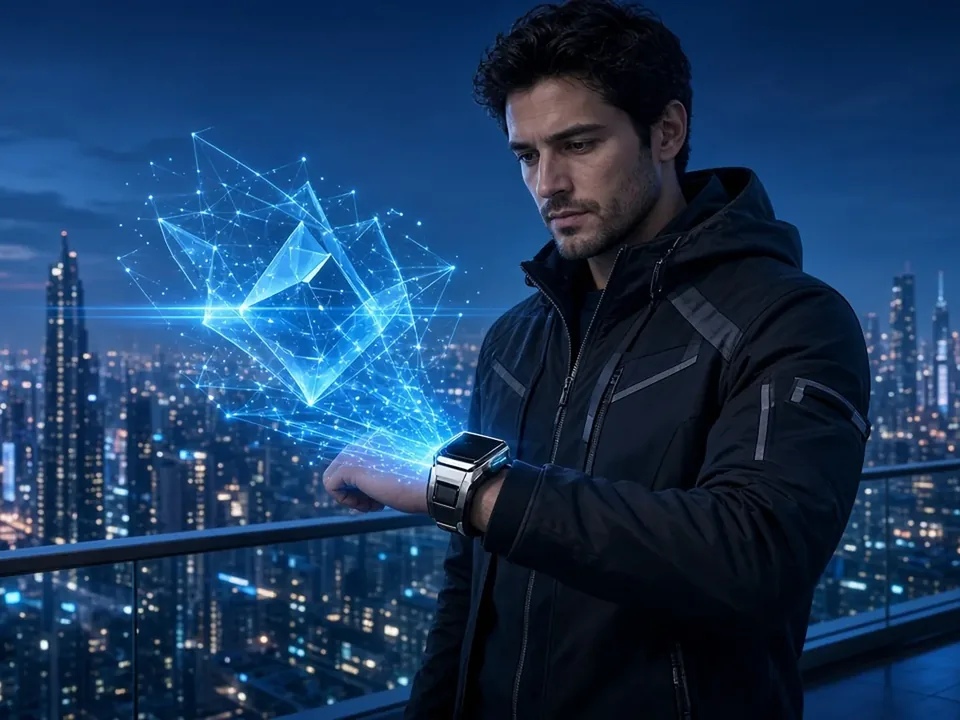
VideoWan 3.0
-21%The widest duration range on MakerNice — 2 to 30 seconds — at 480p, 720p or 1080p, with every input mode and up to 10 references.
 Video
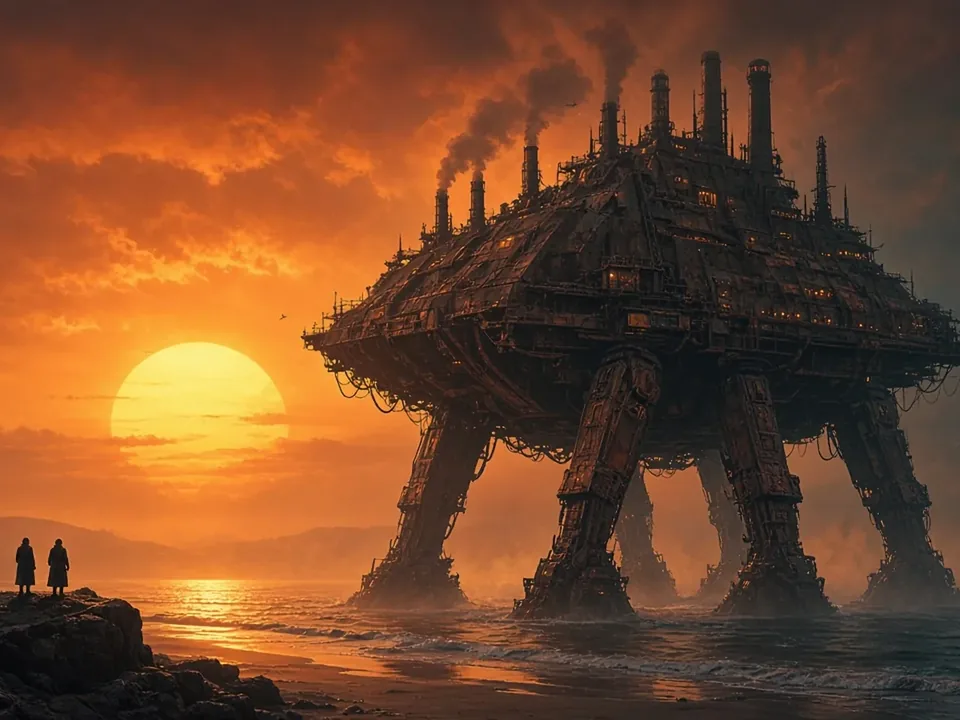
VideoKling 3.0 Pro
-4%Video that ships with sound: Kuaishou's Kling 3.0 Pro adds audio to every 3–15 second clip, from text, a still or first and last frames. 1080p tier.