

 Guides
Image-to-Video and First-Last Frame API: Fields and Supported Models
MakerNice Team · ·
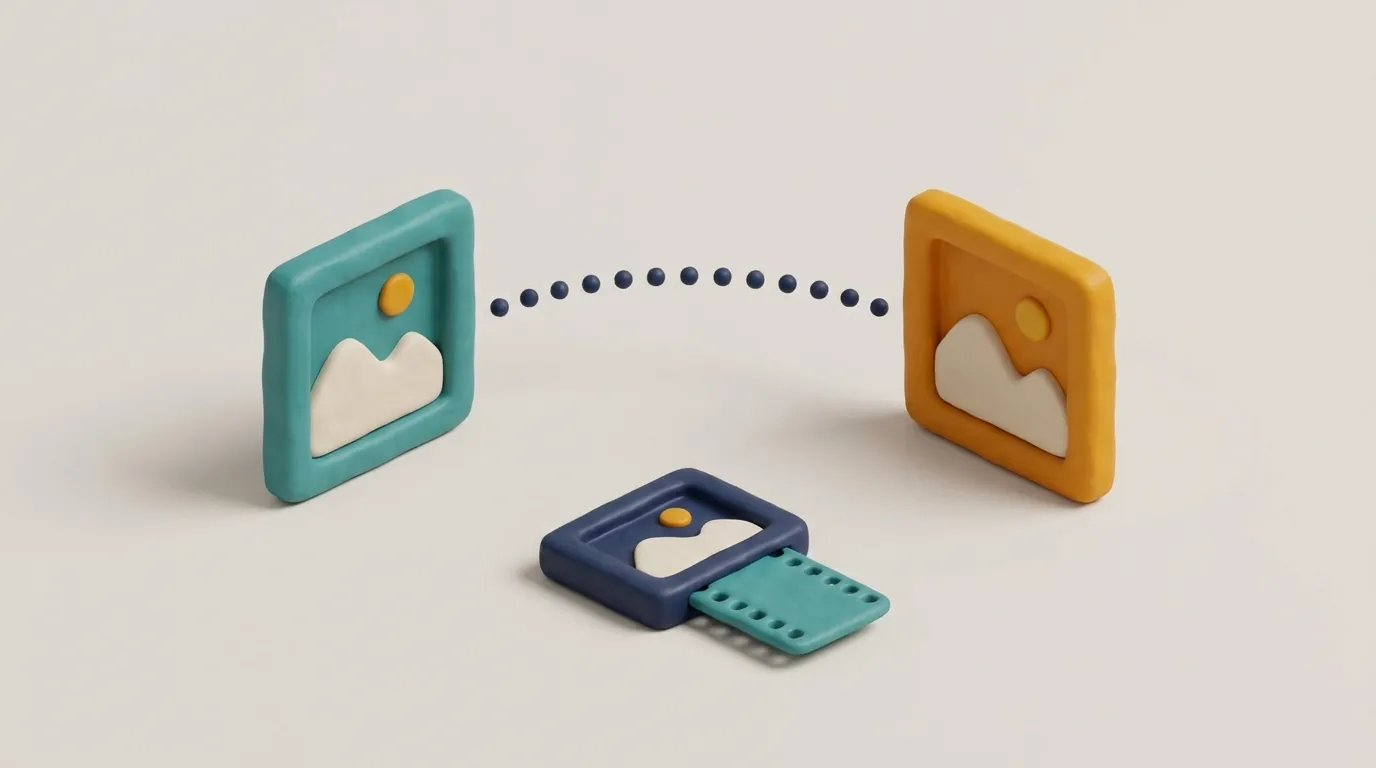
Image-to-video (i2v) animates one still you supply, using it as the first frame. First and last frame (flf) takes two images and generates the motion that connects them. On MakerNice, both modes work with Alibaba's Wan 3.0, ByteDance's Seedance 2.5, Kuaishou's Kling 3.0 Pro and most other video models; Happy Horse 1.1 does i2v only, and Kling 3.0 4K does neither.
Which video models support image-to-video and first-last frame?
| Model | Image-to-video | First and last frame | aspect_ratio in these modes |
|---|---|---|---|
| Seedance 2.5 | Yes | Yes | Not accepted |
| Seedance 2.0, 2.0 Fast | Yes | Yes | Six ratios; flf also adaptive |
| MiniMax H3, H3 Max, H3 Max Turbo | Yes | Yes | Not accepted |
| Wan 3.0, Wan 3.0 Prime | Yes | Yes | Not accepted |
| Kling 3.0 Pro, Standard | Yes | Yes | Not accepted |
| Kling 3.0 4K | No | No | Text-to-video only |
| Happy Horse 1.1 | Yes | No | Not accepted |
Check mode support before you build a user interface around it. A model picker that offers first and last frame for Happy Horse 1.1, or any image mode for Kling 3.0 4K, will only produce errors. GET /v1/models lists each model's modes, and for every mode a needs object says whether image and lastImage are required. It needs no API key, so you can drive your picker from it instead of hard-coding a table.
What fields does an image-to-video request need?
Set mode to i2v and pass image_url. Images must be public https URLs of up to 2,048 characters; there is no upload endpoint, so host the file first. Duration and resolution follow the model: Wan 3.0 takes 2 to 30 seconds and 480p, 720p or 1080p.
{
  "model": "wan-3.0",
  "mode": "i2v",
  "prompt": "The camera slowly pushes in as the lantern flame flickers and the paper blinds sway",
  "image_url": "https://example.com/lantern.jpg",
  "duration": 5,
  "resolution": "720p"
}
How do you send a first and last frame request?
Set mode to flf and pass both image_url for the opening frame and last_image_url for the closing frame. The server rejects fields a mode does not use, so sending last_image_url in i2v mode, or omitting it in flf mode, fails with 400 invalid_request.
{
  "model": "wan-3.0",
  "mode": "flf",
  "prompt": "Time passes over the harbor, light shifting from dawn to dusk while the boats stay at anchor",
  "image_url": "https://example.com/harbor-dawn.jpg",
  "last_image_url": "https://example.com/harbor-dusk.jpg",
  "duration": 5,
  "resolution": "720p"
}
Can you set aspect_ratio or resolution in image-based modes?
Among the video models, only Seedance 2.0 and Seedance 2.0 Fast list aspect ratios for i2v and flf (21:9, 16:9, 4:3, 1:1, 3:4 and 9:16), and their flf also allows adaptive. Every other model has no aspect_ratio for these modes, so leave the field out or the request is rejected. Resolution is model-specific too: Seedance 2.0 Fast and the Kling models take no resolution field, while Seedance 2.5, Seedance 2.0, MiniMax, Wan and Happy Horse list their own options.
How do you get better results from image-to-video?
- Use the prompt to describe the motion, not the picture. The image already shows what is there.
- For first and last frame, choose two frames of the same scene and subject with similar framing; very different pictures give the model little to bridge.
- Host images at stable public addresses for the whole generation, since the model needs to fetch them.
- Always quote with the same image fields you will create with.
To steer a clip with several pictures instead of one or two, read the reference-to-video guide; to plan length and sharpness, read the post on duration and resolution limits.
Frequently asked questions
Does Happy Horse 1.1 support first and last frame?
Can Kling 3.0 4K animate an image?
Can I upload a local file as image_url?
How long can a Wan 3.0 image-to-video clip be?
Models in this post
 Video
VideoWan 3.0
-21%The widest duration range on MakerNice — 2 to 30 seconds — at 480p, 720p or 1080p, with every input mode and up to 10 references.
 Video
VideoSeedance 2.5
ByteDance's flagship for long takes: up to 30 seconds, 480p to 4K, and up to 16 reference images to keep every shot on-model.
 Video
VideoKling 3.0 Pro
-4%Video that ships with sound: Kuaishou's Kling 3.0 Pro adds audio to every 3–15 second clip, from text, a still or first and last frames. 1080p tier.
 Video
VideoHappy Horse 1.1
Alibaba's Happy Horse 1.1: a focused model for text, image and reference-driven clips — 3–15 seconds at 720p or 1080p, up to 9 references.