

Seedream 5.5 — Generate and edit, with transparent backgrounds
Makernice serves ByteDance's Seedream 5.5 for text-to-image and image-to-image at 1k (the default) or 2k. Seedream 5.5 offers eight aspect ratios, from 9:16 to 21:9. Image-to-image takes up to 10 reference images. Set background to transparent to get a PNG with no background.
Highlights
1K / 2K · Text to image · Image to image
Best for
Teams that need product cutouts, stickers or layered assets, and anyone editing with several reference images.
Input
Text, up to 10 reference images
Output
Image
Checking your session…
Pricing
Prepaid in US dollars. The hold is converted to a charge when the run completes. If a run fails or times out, the hold is released in full.*
Prices as of November 11, 2026 (price list v14).
Note: if a finished output is blocked by output moderation for a policy violation, the run is still charged. You can contact support for a manual review.
Cost of your first test
$0.02
One 1K text-to-image image.
What your top-up buys
Top up$15
≈ 961 test runs
$50
≈ 3205 test runs
$100
≈ 6410 test runs
Top-ups are $15–$1,000. No free tier, no subscription.
| Model | Mode | Resolution | Our price | Official | You save |
|---|---|---|---|---|---|
Seedream 5.5 ByteDance | Text to image1K | 1K | $0.0156/img | ||
Seedream 5.5 ByteDance | Text to image2K | 2K | $0.0273/img | ||
Seedream 5.5 ByteDance | Image to image1K | 1K | $0.0156/img+ $0.00624 per reference image | ||
Seedream 5.5 ByteDance | Image to image2K | 2K | $0.0273/img+ $0.00624 per reference image |

What is the Seedream 5.5 API?
The Seedream 5.5 API generates and edits images with ByteDance's Seedream 5.5 model through one Makernice key. Text-to-image is priced per image. Image-to-image is priced per image plus a rate for each reference image you send. The first reference image counts too. A one-image edit therefore costs less than a ten-image one.
Spec sheet
Parameters, limits and billing rules to check before you call it.
Model id
seedream-5.5 · ByteDance
Modes
t2i Text to image · i2i Image to image
Resolution
1K (default) · 2K
Aspect ratio (t2i, i2i)
1:1 · 4:3 · 3:4 · 16:9 · 9:16 · 2:3 · 3:2 · 21:9
Reference images
Up to 10, in reference_images
Image input
JPEG / PNG / WebP, up to 10 MB each, or an https link. Uploaded images can be used for 6 days.
Image size
at least 15 px per side, up to 36 MP in total, aspect ratio 1:16–16:1
Output
Image. Files are kept about 30 days, so download them promptly.
Price
From $0.0156/img · Quotes are locked for 12 minutes. Per-resolution prices are in the table above.
Failed runs
Failed, timed-out or canceled-while-queued runs release the hold in full.
2 ways to generate, one endpoint
Set mode, send the inputs it needs — that's it.
Text to image
mode: "t2i" · prompt
Describe the image you want in the prompt.
Image to image
mode: "i2i" · reference_images (≤ 10)
Add up to 10 reference images, then describe the edit or the new image.
What you can build with this model
Workflows this model is a good fit for.
Product cutouts
Generate a product shot with background set to transparent and drop it straight onto any layout.
Try it in the playgroundMulti-reference editing
Combine up to 10 reference images to keep a product, character or style consistent in one edit.
Try it in the playgroundWide banners and posters
Use 21:9 or 16:9 for headers and 9:16 for stories, at 1k for drafts and 2k for finals.
Try it in the playgroundWhy run Seedream 5.5 on Makernice
Quote before you pay
Every run gets an exact quote first, locked for 12 minutes. You're charged that amount — never more.
Failed runs are free
The hold is converted to a charge when the run completes. If a run fails or times out, the hold is released in full, and so does canceling while it's queued. Note: if a finished output is blocked by output moderation for a policy violation, the run is still charged. You can contact support for a manual review.
Switch models with one field
Same request, key, balance and console for all 19 models. Not happy with the result? Change model and run it again.
Prepaid, no subscription
Top up a US-dollar balance and pay per run. No monthly fee, no subscription.
Your balance never expires
Topped-up balance stays in your account indefinitely. No inactivity fees, no decay.
Automatic failover
If an upstream channel goes down, your request is routed to a backup channel automatically — no code changes on your side.
Which should you pick: Seedream 5.5, Seedream 5.0 Pro, Seedream 5.0?
Compare modes, length, resolution and references, then run the same prompt on each.
| Seedream 5.5 | Seedream 5.0 Pro | Seedream 5.0 | |
|---|---|---|---|
| Modes | Text to image · Image to image | Text to image · Image to image | Text to image · Image to image |
| Resolution | 1K / 2K | 1K / 2K | 2K (single tier) |
| Reference images | Up to 10 | Up to 10 | Up to 14 |
| 1K price | $0.0156/img | From $0.0351/img | — |
| 2K price | $0.0273/img | From $0.0702/img | From $0.0336/img |
Comparing with MiniMax H3-Image? Full comparison → MiniMax H3-Image vs Seedream 5.5
Integrate Seedream 5.5 in three steps
Quote, hold, charge or release — each step shows how billing works.
Create an API key
Sign in, top up and create a key in the console. Set a spend limit per key so nothing runs away.
// Console → API keys
Quote and create
POST the input to /v1/generations/quote with the model field set to seedream-5.5. The price is locked for 12 minutes; creating the generation with the quote id holds that amount from your balance.
// POST /v1/generations/quote// POST /v1/generations
Poll the result
GET /v1/generations/{id} until the status is succeeded, then download the output. You're charged the quoted amount on success; failed, timed-out or canceled-while-queued runs release the hold in full.
// GET /v1/generations/{id}
Retrying with the same Idempotency-Key returns the same generation instead of charging twice.
Docs/API/SEEDREAM-5-5
API reference
Copy-paste requests for this model. The full parameter reference is in the docs.
curl https://api.makernice.com/v1/generations/quote \
  -H "Authorization: Bearer $MAKERNICE_API_KEY" \
  -H "Content-Type: application/json" \
  -d '{
    "model": "seedream-5.5",
    "mode": "t2i",
    "prompt": "A ceramic coffee mug with a speckled glaze, studio product shot, soft shadow, transparent background.",
    "resolution": "1k"
  }'
Invalid request
400 invalid_request names each failing field. Fields the mode doesn't use are rejected too. Nothing is held.
Key or balance
401 means a missing or invalid key; 402 means the balance or the key's spend limit isn't enough.
Quote problems
A changed price-affecting field returns 422 quote_mismatch; an expired quote 410; a used one 409. Get a new quote.
Failed generation
A failed generation is never charged — the hold is released in full. Note: if a finished output is blocked by output moderation for a policy violation, the run is still charged. You can contact support for a manual review. Keep the generation id and retry when you're ready.
Frequently asked questions
Common questions about this model.
What is Seedream 5.5?
How many reference images does Seedream 5.5 support?
How much does Seedream 5.5 cost per image?
Seedream 5.5 vs Seedream 5.0 Pro: which should I use?
How do transparent backgrounds work on Seedream 5.5?
How are reference images priced on Seedream 5.5?
Which aspect ratios does Seedream 5.5 support?
More Posts
Related models
Compare all modelsSimilar models worth comparing.
 Image
Seedream 5.0 Pro
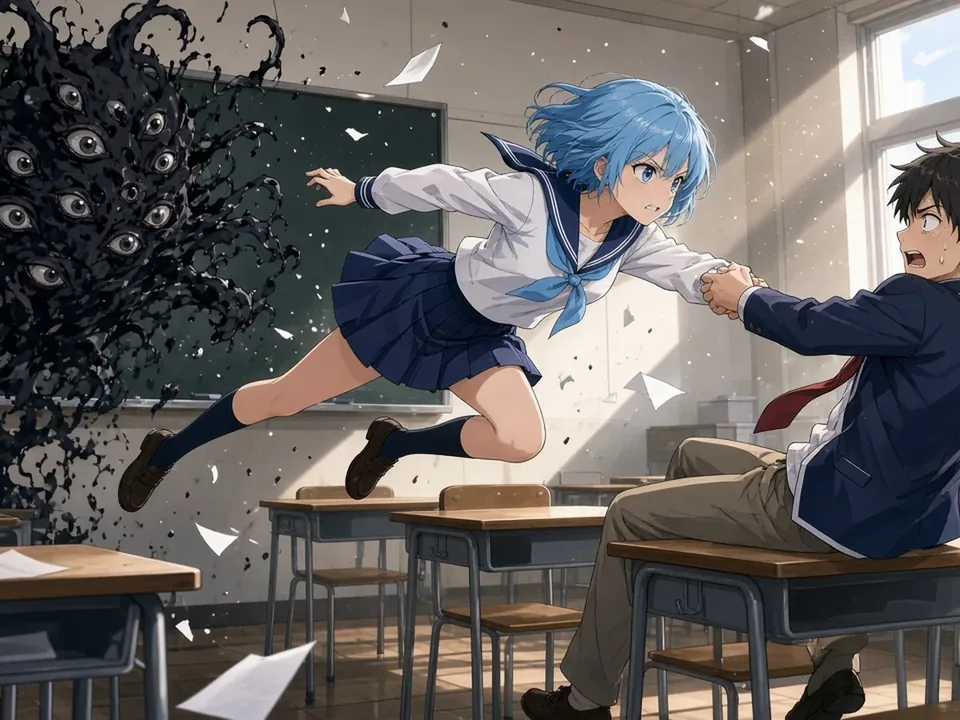
-22%ByteDance's Seedream 5.0 Pro: generate or edit images at 1K or 2K, guided by up to 10 reference images.
 Image
Seedream 5.0
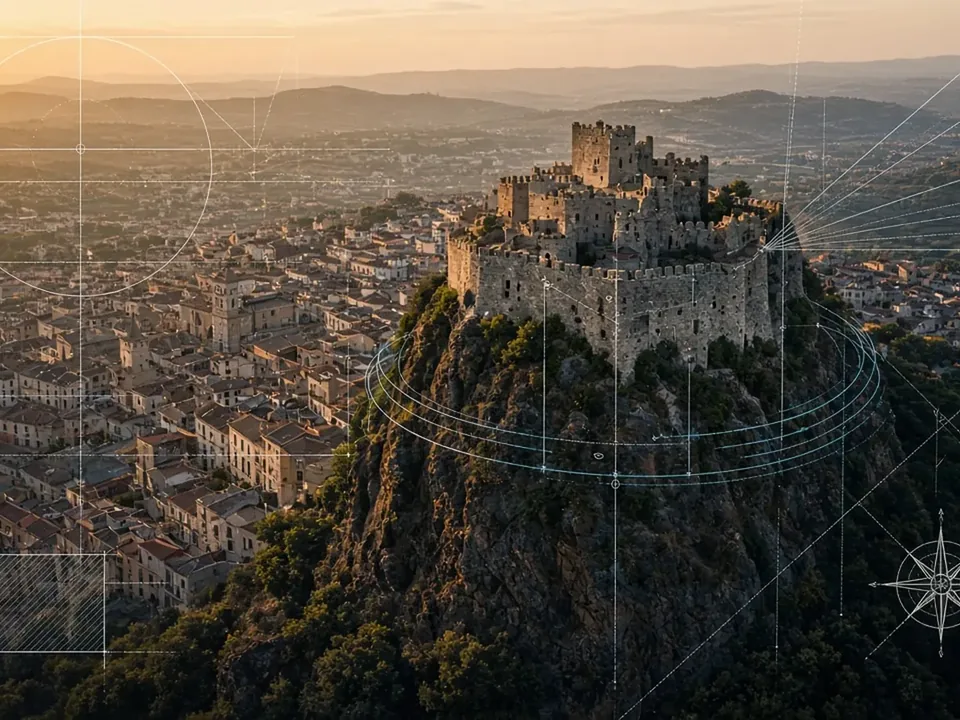
-4%Blend up to 14 reference images into one: Seedream 5.0 is built for character sheets, collages and style fusion, priced as a single 2K tier.
 Image
Qwen3 Image
-21%Everyday images and quick edits: Alibaba's Qwen3 Image at 1K or 2K, eight aspect ratios, up to 3 references.
 Image
Qwen3 Pro Image
-17%Qwen3's higher-tier model for polished finals — same 1K/2K, aspect ratios and 3 references as Qwen3 Image.
● Start building
See what it does with your prompt
Test it in the playground, or grab an API key and ship it today.
- Quote before you pay
- Failed runs are free
- Prepaid, no subscription
- Balance never expires