Makernice

AI Halloween Video Generator

An AI Halloween video from a photo turns one still into a short vertical comedy clip: your subject sits sideways on a hovering broom at a city red light, coolly ignores the driver waving from the SUV beside them, twirls a finger like a little spell and shrinks his car into a children's ride-on toy. When the light turns green, they flash a sly smile at the camera and glide away. It works with you, an adult who has clearly agreed, or your own pet. You see the price first.

Put me in it
  • 16s
  • 1 photo
  • Multiple sizes
  • 480p / 720p / 1080p
One photo · No charge if it fails

Pay securely with

Apple PayGoogle PayVisaMastercard
AI Halloween, made with this template

AI Halloween example video: Hovering broom at a red light → the driver waves → a cool finger twirl → his SUV shrinks into a toy car → a sly smile, and away
720p · 15s

Template: AI Halloween · 16s

Upload one front-facing photo of yourself or your pet
up to 1 file · each < 10 MBClear, front-facing, good light, one person
This video $4.98
ResultPreview
Estimated price$4.98

Checking your session…

Photos that work best

Works well

  • Facing camera, clear eyes

    Facing camera, clear eyes

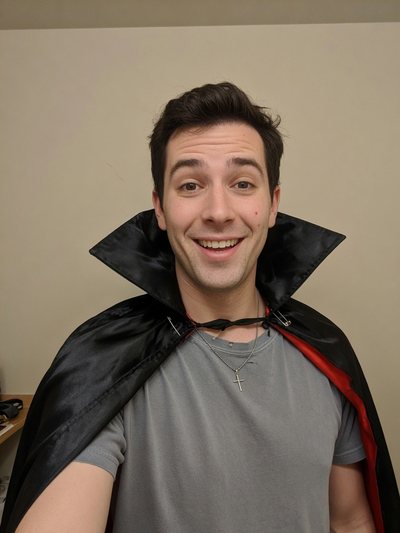
  • Costume selfie

    Costume selfie

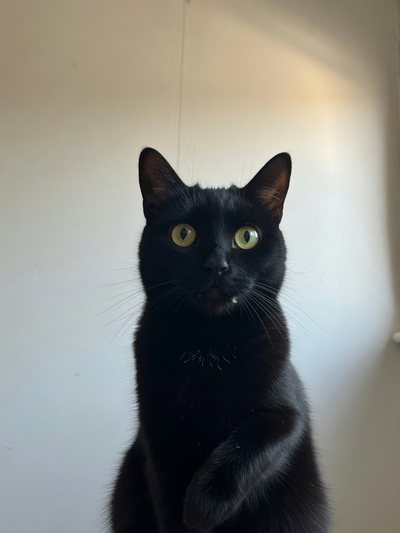
  • Pet, whole head visible

    Pet, whole head visible

  • One person or pet, facing the camera
  • Clear eyes, even light; costume selfies are fine
  • A sharp face; pets with the whole head visible

Avoid
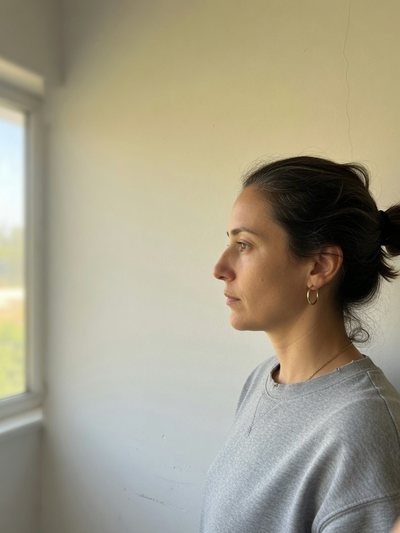
  • Side profile

    Side profile

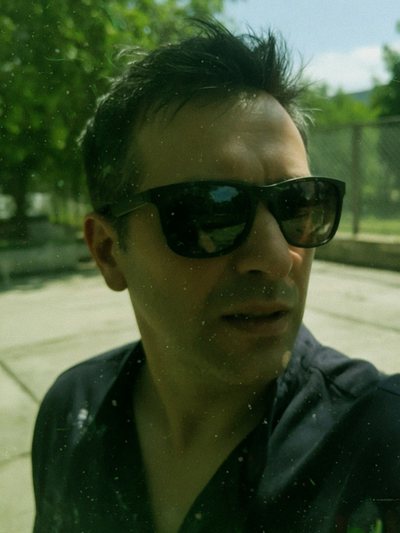
  • Sunglasses, heavy filter

    Sunglasses, heavy filter

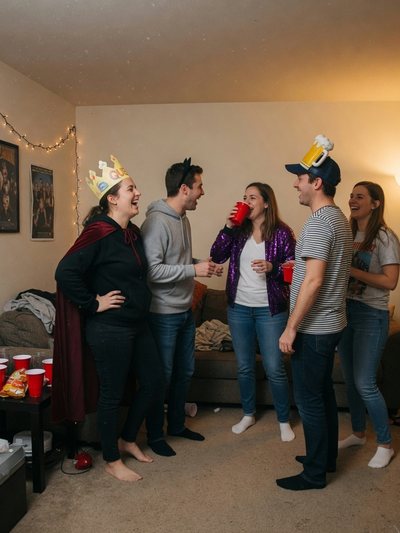
  • Group shot

    Group shot

  • Side profiles or a face cut off
  • Sunglasses, heavy filters, group shots
  • Blurry or cropped faces

How to make it

  1. 01

    Upload one photo of one person or pet. They become the broom rider: face, hair or fur, build and outfit all come from your photo.

  2. 02

    Pick a resolution and review the quote. It locks the price for 12 minutes.

  3. 03

    Generate and download. The clip carries the trend's background sound: before posting, check you can use it on your platform or swap in a sound you're licensed to use, and label the post as AI.

FAQ

What happens in an AI Halloween clip?
One continuous handheld shot filmed from inside a car through the passenger window, at a city crossroads on an overcast day. Your subject sits sideways on a hovering wooden broom next to a black SUV at the red light. The driver leans out and waves to get their attention; your subject keeps a cool, unbothered profile, then raises one hand and twirls a finger like a little spell. The SUV smoothly shrinks around him into a tiny children's ride-on toy car, and he sits in it on the crosswalk, puzzled. The light turns green, your subject glances back at the camera with a sly smile and glides away on the broom.
Who's the driver?
A supporting character the template generates: an ordinary man with a face of his own, not anyone from your photos and not the person in the original clip. He's unharmed and only confused; the magic is light and playful.
Can my cat or dog ride the broom?
Yes, if it's your own pet. It keeps its own body, species, fur and markings from the photo and takes the broom, so the finger twirl may come out as a raised paw. A sharp, front-facing photo with the whole head visible works best.
Do I need a witch costume?
No. Your subject wears the outfit from your photo, so a costume selfie gives you a costumed witch and an everyday photo gives you an everyday one. The broom, the street and the shrinking car stay the same.
Is this the same as Zombie Couple?
No. This page uses one photo for a broom-riding witch gag at a red light. The Zombie Couple AI video uses two photos for a short stay-and-embrace love story with a memory cutaway.
What's the background sound?
The clip uses the sound of the trend's reference video as its background track, so it sounds like the original. Makernice doesn't give you any rights to that sound. Before posting, check that it's available to you on your platform, or mute it and pick a sound you're licensed to use.
What photo works best?
One subject facing the camera, shoulders up or waist up, clear eyes and even light; costume selfies are fine. Avoid side profiles, sunglasses, heavy filters, group shots and blurry or cropped faces.
Can I use a celebrity or a photo of a child?
No. Use a photo of yourself, of an adult who has clearly agreed, or of your own pet. No minors. No celebrities, politicians, or public figures. Label the post as AI.
Does the video have sound?
Yes. The model always generates audio and it can't be turned off. Mute or replace it in your editor if you need a silent clip.
How much does one video cost?
The price is shown on the Generate button before you start, and the quote locks it for 12 minutes; every model's rates are on the pricing page. If the run times out, or you cancel it while it's still queued, the hold is released in full. Failed runs aren't charged. Note: if the output is blocked by output moderation, the generation is still charged. You can contact support for a manual review.
Can I make it with the API?
Yes. Send the template id ai-halloween-video-from-photo with your photo URL to the quote and generation endpoints; see the API tab. The same key calls every model on the models page.
Is my photo used to train AI models?
No. Makernice doesn't use your content to train models.

More templates

View all templates
New

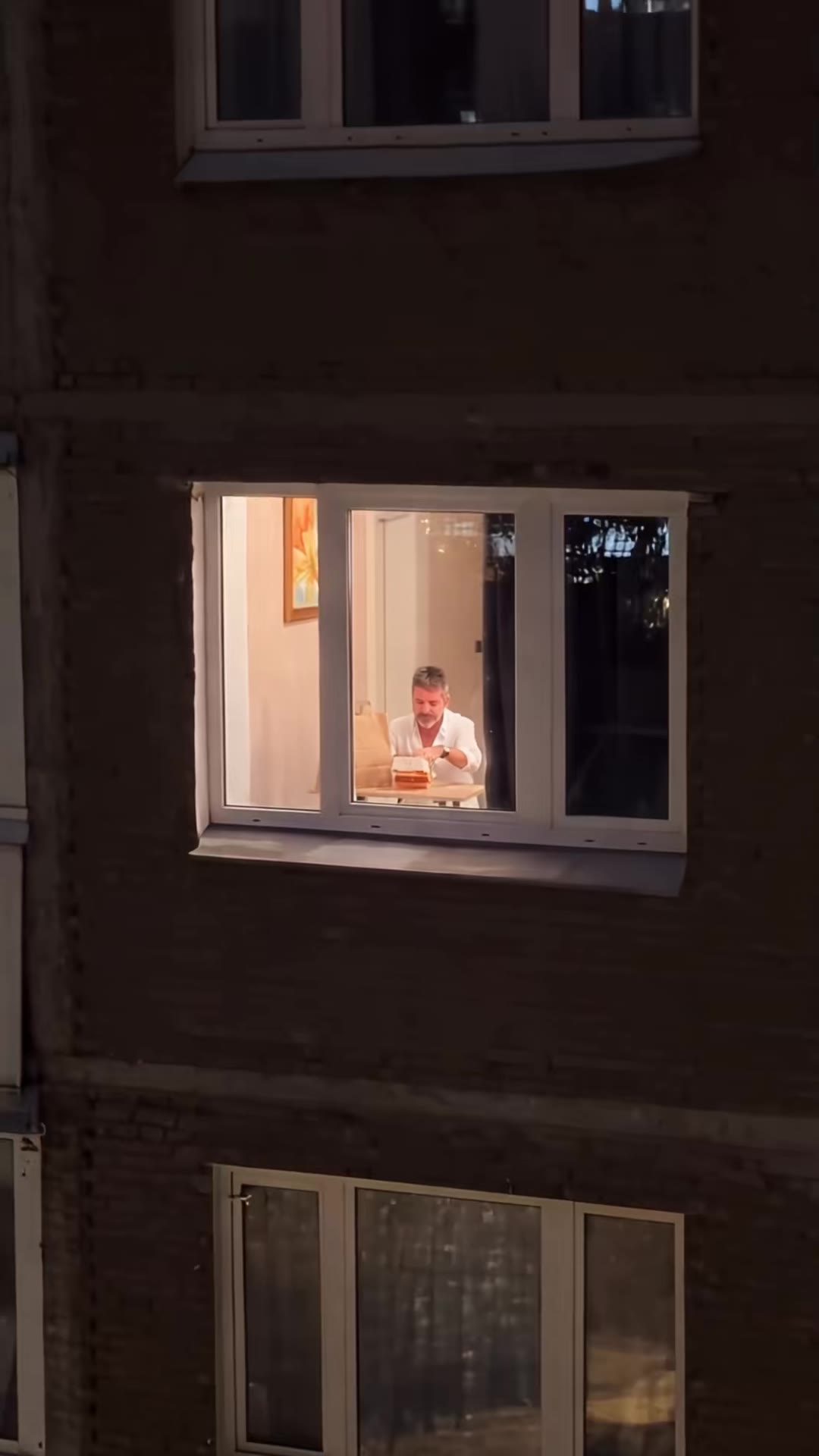
Window Peeper AI

Night push-in on a lit window → a big burger bite, eyes closed → slow chewing, blank stare → caught → shoo, curtain, glare

1 photo · 14s · 9:16 · 720p
New

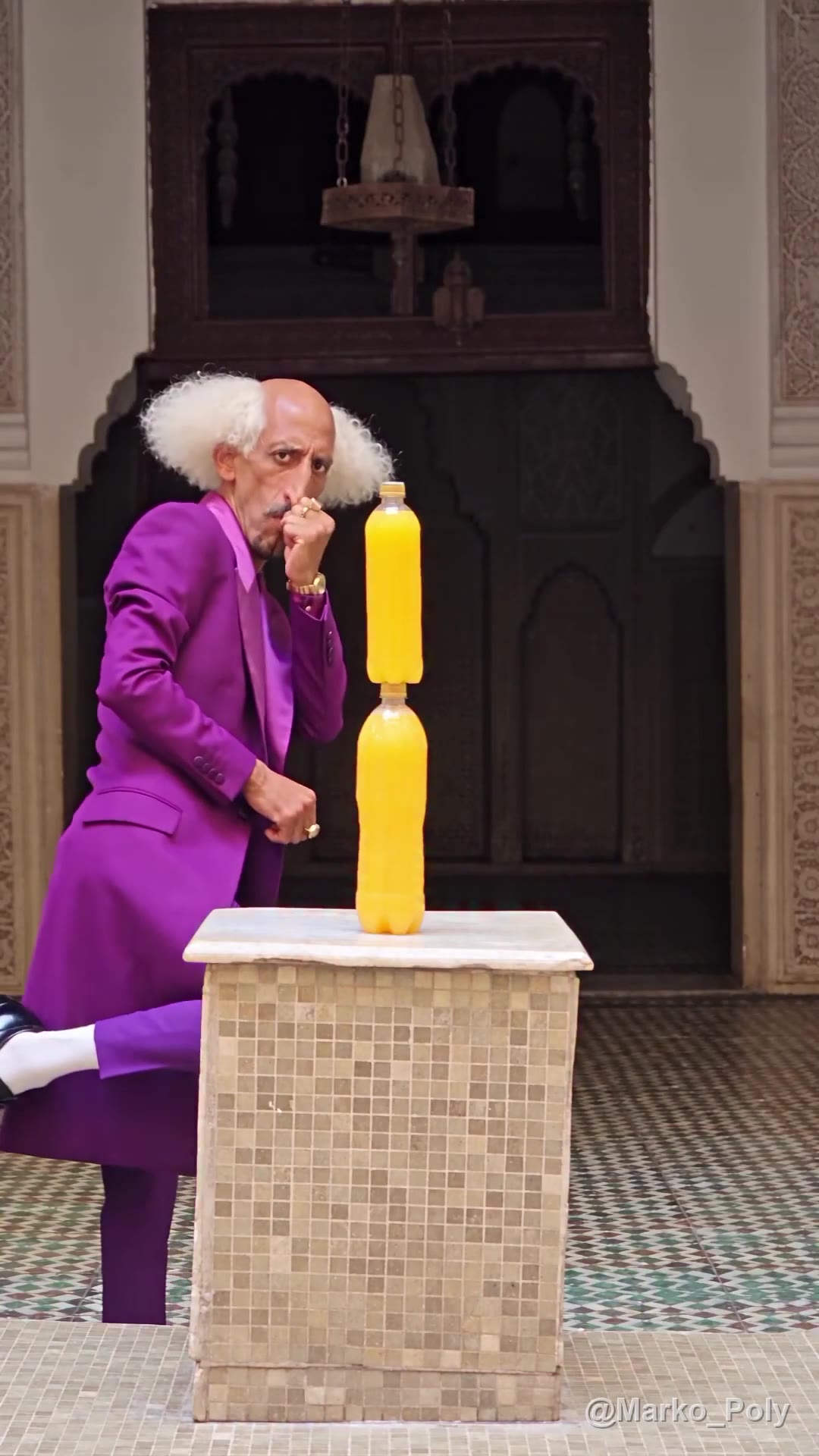
Bottle Kick AI

Dead-serious stare → fake kick after fake kick → one real kick knocks it all over → hop out on one foot

1 photo · 10s · 9:16 · 1080p
New

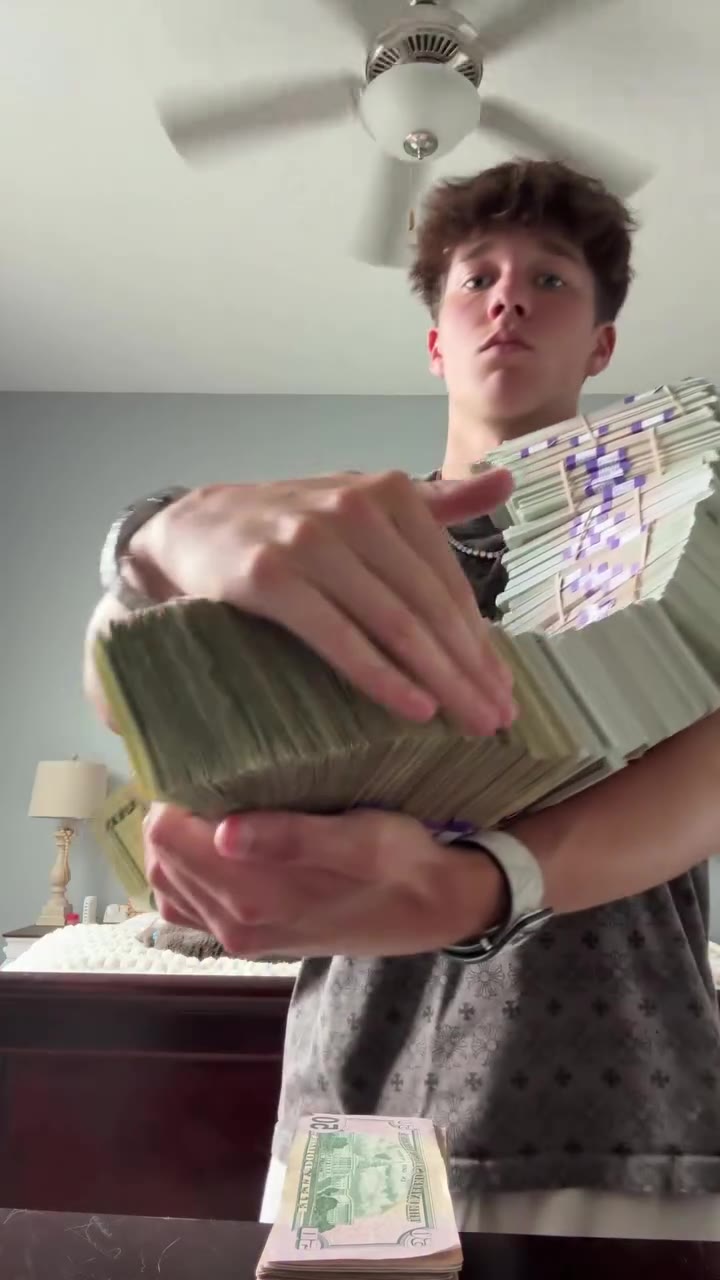
Money Flex AI

Hug a chain of prop cash → push it at the lens → swing it past the camera → flip one bundle open → fan it over the face

1 photo · 15s · 9:16 · 720p

New

AI Cat Dance

Three upright on a night roadside → arms-wide sway → shuffle into a new line-up → one turns away and back → two wave at the camera

3 photos · 12s · 9:16 · 720p

Where the trend comes from

Recorded October 29, 2026

AI Halloween videos from a photo are a seasonal format that climbs through October and peaks around October 31. This one remakes a viral witch gag: a broom rider at a red light ignores a pushy driver and turns his car into a toy with one twirl of a finger.

This is an unofficial generic Halloween template inspired by a viral witch clip. It is not affiliated with or endorsed by its creators or any holiday rights holders; the vehicles and shops carry no brand names, logos or licence plates. It's an AI-made scene: the driver is unharmed and the magic is just for fun. Keep it playful and label your post as AI. The background sound comes from the trend's reference clip, and Makernice doesn't grant you any rights to it. Check your rights before posting, or mute or replace the audio in your editor.

Original creator and want this taken down? Email support@makernice.com.