

Window Peeper AI Video Generator
A Window Peeper AI video turns one photo into a short vertical clip: at night the camera pushes in on the only lit window of an apartment block, where you sit alone with a burger, savour a big bite and chew while staring blankly out at the camera. Then you realise you're being watched, put the burger down, shoo the watcher away and pull the curtain shut. It works with you, an adult who has clearly agreed, or your own pet. You see the price first, and it's a staged joke, not real surveillance.
Put me in it- 14s
- 1 photo
- Multiple sizes
- 480p / 720p / 1080p
Pay securely with


Window Peeper AI example video: Night push-in on a lit window → a big burger bite, eyes closed → slow chewing, blank stare → caught → shoo, curtain, glare
1080p · 14s
Checking your session…
Photos that work best
Works well

Facing camera, calm face

Even light, sharp face
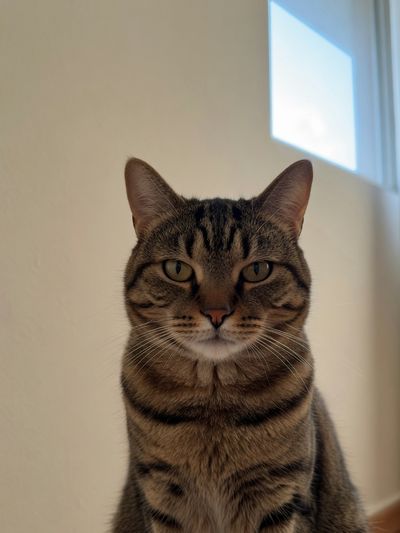
Pet facing camera
- One person or pet, facing the camera
- Shoulders up or waist up, calm or serious
- Even light and a sharp face
Avoid
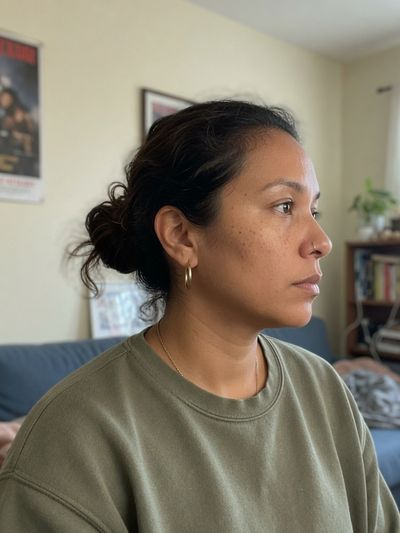
Side profile

Sunglasses, big smile
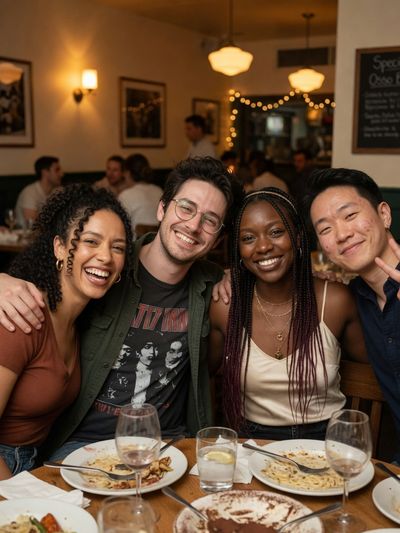
Group shot
- Side profiles or a face cut off at the neck
- Sunglasses, heavy filters, big smiles
- Group shots, blurry or cropped faces
How to make it
- 01
Upload one photo of one person or pet. It's a reference image, so the night-window scene is generated around them, not your room.
- 02
Pick a resolution and review the quote. It locks the price for 12 minutes.
- 03
Generate and download. The clip carries the trend's background sound: before posting, check you can use it on your platform or swap in a sound you're licensed to use, and label the post as AI.
FAQ
What happens in a Window Peeper clip?
Can I use my cat or dog?
Who can be in it?
What's the background sound?
Will the burger box show a brand?
What photo works best?
Does the video have sound?
How much does one video cost?
Can I make it with the API?
Is my photo used to train AI models?
More templates
View all templates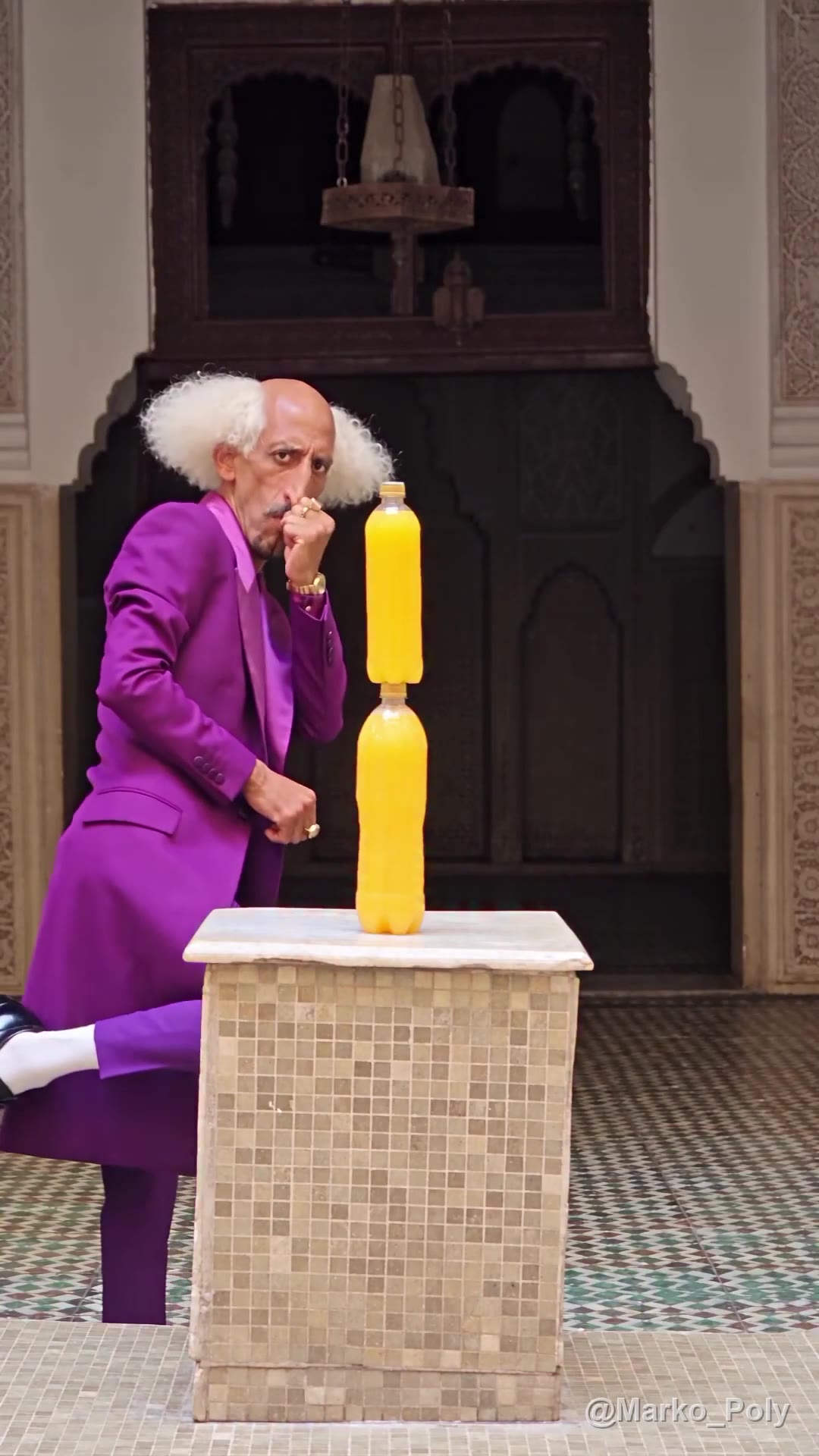 New
Bottle Kick AI
Dead-serious stare → fake kick after fake kick → one real kick knocks it all over → hop out on one foot
1 photo · 10s · 9:16 · 1080p
 New
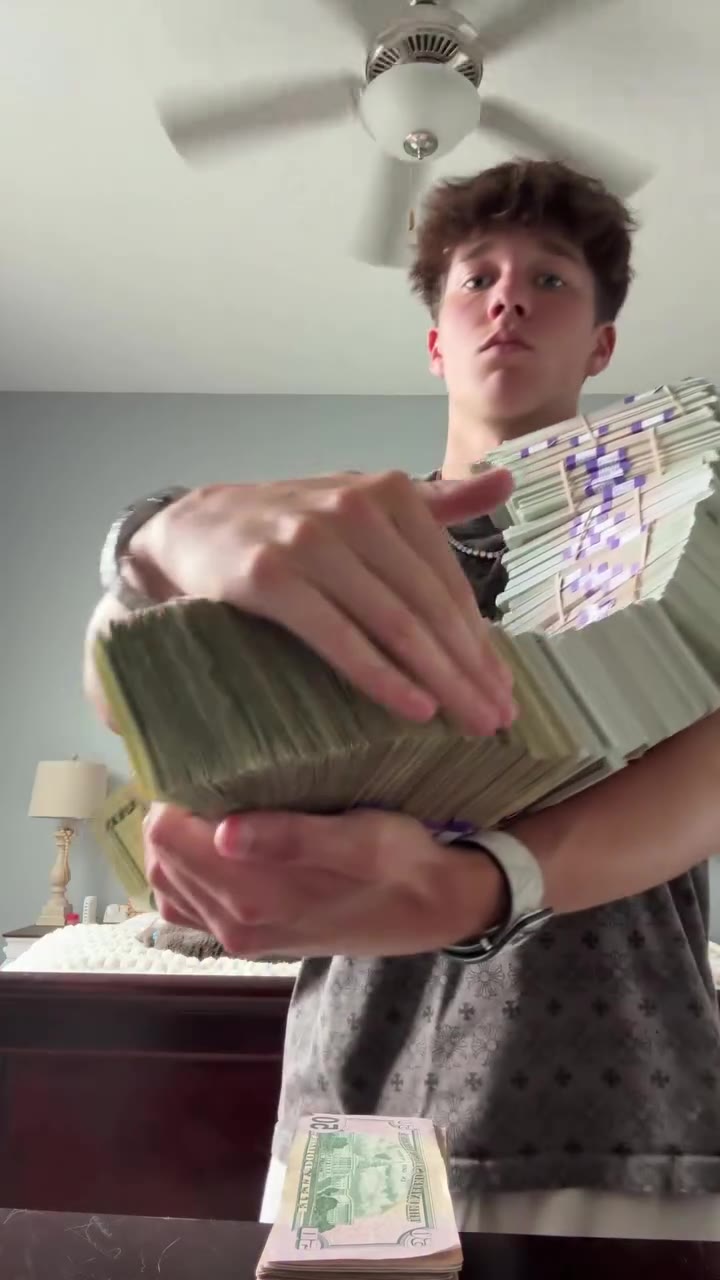
Money Flex AI
Hug a chain of prop cash → push it at the lens → swing it past the camera → flip one bundle open → fan it over the face
1 photo · 15s · 9:16 · 720p
AI Cat Dance
Three upright on a night roadside → arms-wide sway → shuffle into a new line-up → one turns away and back → two wave at the camera
3 photos · 12s · 9:16 · 720p
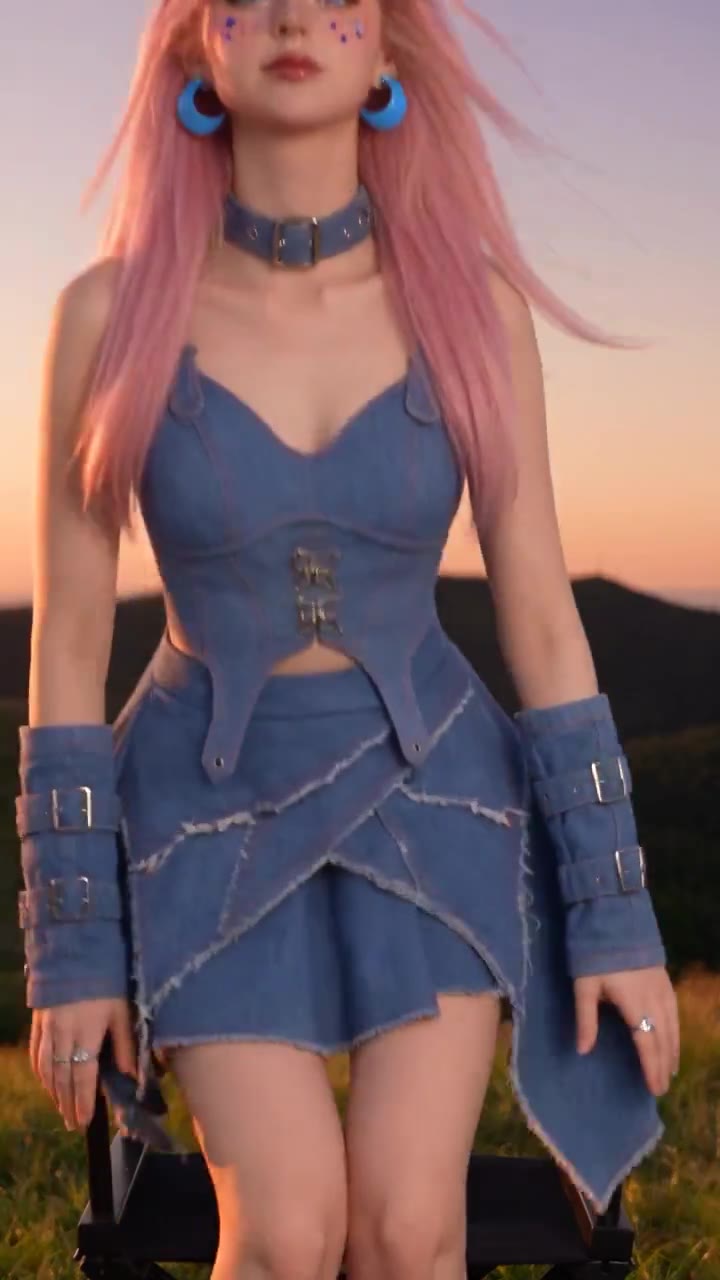 New
Tiger Jump AI
Walk in, sit, cross legs → a wink and a finger snap → a white tiger leaps in behind → paw on the shoulder, head to head → a cheek stroke
1 photo · 10s · 9:16 · 720p
Where the trend comes from
Recorded October 29, 2026
In October 2026, a night-window joke clip spread as an AI photo template: the camera creeps up on a lit window, someone mid-burger stares back, then shoos the watcher off and yanks the curtain shut. Most versions swap a different face into the same window shot.
This is an unofficial template inspired by the Window Peeper trend. It is not affiliated with or endorsed by any rights holders of the original joke posts or related templates, or by any restaurant brand. It's a staged joke: label your post as AI, and never film or upload a real neighbour's window. The background sound comes from the trend's reference clip, and Makernice doesn't grant you any rights to it. Check your rights before posting, or mute or replace the audio in your editor.
Original creator and want this taken down? Email support@makernice.com.