

 Comparisons
Seedream 5.0 vs Qwen3 Image: Resolution, Ratios, References
MakerNice Team · ·
Seedream 5.0 from ByteDance takes up to 14 reference images but has no resolution choice: it is billed at a fixed 2k tier. Qwen3 Image from Alibaba lets you pick 1k or 2k but takes up to 3 references. Both support text-to-image and image-to-image on MakerNice, alongside Seedream 5.0 Pro and Qwen3 Pro Image. This comparison covers catalog facts only and does not judge image quality.
How do Seedream 5.0 and Qwen3 Image compare side by side?
| Dimension | Seedream 5.0 | Seedream 5.0 Pro | Qwen3 Image / Pro Image |
|---|---|---|---|
| Vendor | ByteDance | ByteDance | Alibaba |
| Modes | t2i, i2i | t2i, i2i | t2i, i2i |
| resolution field | Not accepted | 1k, 2k | 1k, 2k |
| Default or billed tier | Fixed 2k | 1k by default | 1k by default |
| Aspect ratios | 1:1, 4:3, 3:4, 16:9, 9:16, 2:3, 3:2, 21:9 | Same as Seedream 5.0 without 21:9 | 1:1, 3:2, 2:3, 4:3, 3:4, 16:9, 9:16, 21:9 |
| Reference images (i2i) | Up to 14 | Up to 10 | Up to 3 |
In the mode row, t2i is text-to-image and i2i is image-to-image. Each model accepts the same aspect ratio list in both modes. Seedream 5.0 and Qwen3 Image list the same eight ratios in a different order, so aspect ratio support will not decide between the two base models; resolution and reference limits will.
Can you set the resolution on Seedream 5.0?
No. Seedream 5.0 takes no resolution field and is billed at a single fixed 2k tier; sending resolution to it is rejected. Qwen3 Image offers 1k and 2k with 1k as the default, so you can switch between a lighter and a larger output on the same model. If you want that choice from ByteDance, Seedream 5.0 Pro also offers 1k and 2k, defaulting to 1k, as does Qwen3 Pro Image.
How many reference images does each model accept in image-to-image?
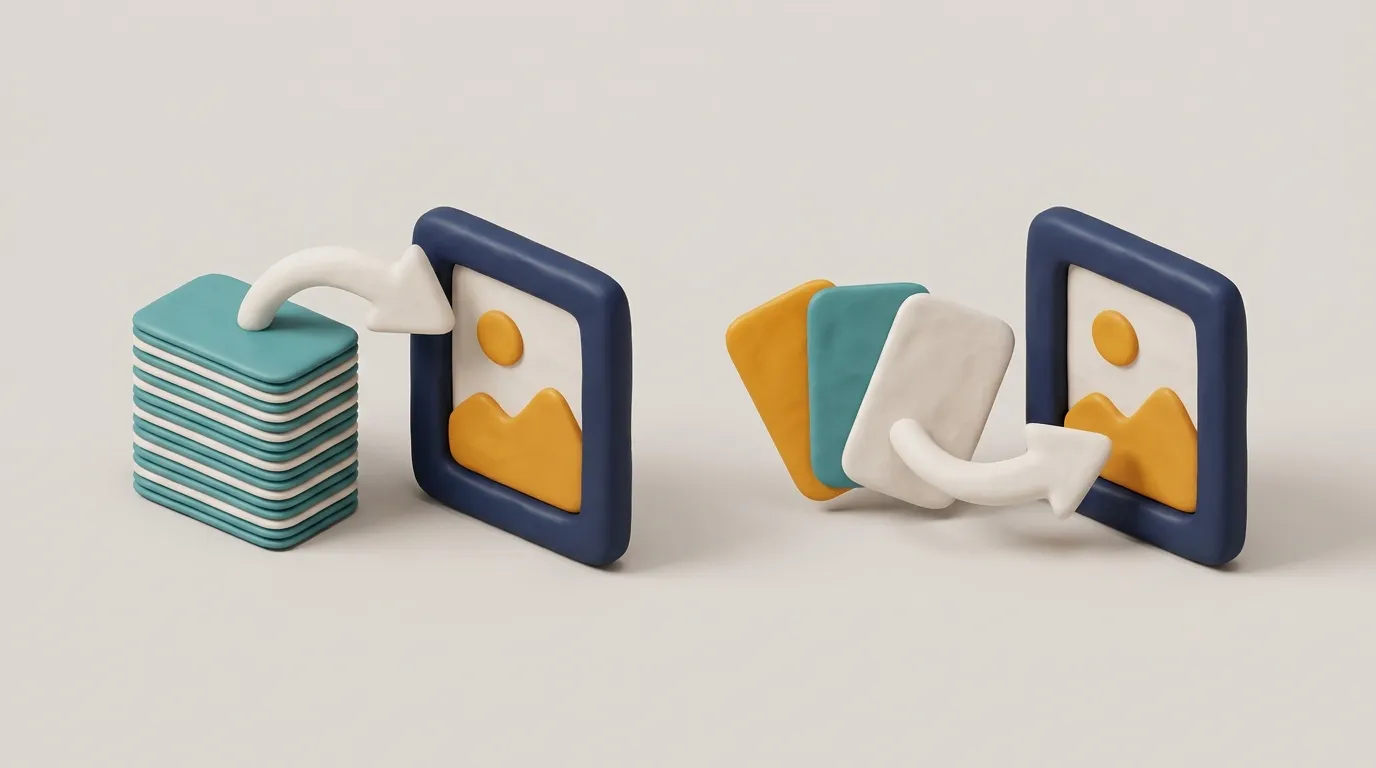
This is where the lines differ most. In image-to-image mode, Seedream 5.0 accepts up to 14 reference images and Seedream 5.0 Pro up to 10, while Qwen3 Image and Qwen3 Pro Image accept up to 3. Pass them in reference_images as https URLs; sending more than the model allows is rejected with 400 invalid_request.
What should you check when switching from Qwen3 Image to Seedream 5.0?
- Remove resolution: Seedream 5.0 rejects it, while Qwen3 Image accepts 1k or 2k.
- Count your references: Qwen3 Image stops at 3, Seedream 5.0 at 14 and Seedream 5.0 Pro at 10.
- Check the ratio when moving to Seedream 5.0 Pro: it is the only one of the four without 21:9.
Should you choose Seedream 5.0 or Qwen3 Image?
- Choose Seedream 5.0 when you need to combine many references (up to 14) and a fixed 2k tier suits you.
- Choose Qwen3 Image when you want to switch between 1k and 2k on one model and three references are enough.
- Choose Seedream 5.0 Pro for 1k or 2k from Seedream with up to 10 references, as long as you do not need 21:9.
Image prices differ by model, mode and resolution, so read them from the Pricing page or request a quote with your exact settings. The image generation pricing guide explains how image prices are quoted.
Frequently asked questions
Can Seedream 5.0 generate images at 1k?
How many reference images can Qwen3 Pro Image take?
Does Seedream 5.0 Pro support the 21:9 aspect ratio?
Where can I check an image model's limits before sending a request?
Models in this post
 Image
ImageSeedream 5.0
-4%Blend up to 14 reference images into one: Seedream 5.0 is built for character sheets, collages and style fusion, priced as a single 2K tier.
 Image
ImageSeedream 5.0 Pro
-22%ByteDance's Seedream 5.0 Pro: generate or edit images at 1K or 2K, guided by up to 10 reference images.
 Image
ImageQwen3 Image
-21%Everyday images and quick edits: Alibaba's Qwen3 Image at 1K or 2K, eight aspect ratios, up to 3 references.
 Image
ImageQwen3 Pro Image
-17%Qwen3's premium tier for polished finals — same 1K/2K, aspect ratios and 3 references as Qwen3 Image.