 指南
可灵 Kling 4.0 使用教程:提示词写法与 API 示例
Makernice 团队 · ·
价格截至 2026 年 11 月 2 日(价表 v12)。
可灵 Kling 4.0 是快手的视频模型,于 2026 年 10 月 15 日发布,自 2026 年 10 月 30 日起可通过 Makernice API 调用,支持四种模式:文生视频(t2v)、图生视频(i2v)、首尾帧(flf)和参考图生视频(r2v)。用法是把 model 设为 kling-4.0 并写好提示词,先报价,再创建任务,轮询到片段生成完毕。本文给出每种模式的请求示例,并讲提示词怎么写,包括声音和长镜头。
Kling 4.0 是什么?在 Makernice 上能用哪些功能?
快手在 2026 年 10 月 16 日宣布 Kling 4.0 已于前一天正式上线。在 Makernice 上它只有一个 model id、两档分辨率,每条片段都带音频。下表列出 API 目前接受的参数。
| 参数 | Makernice API 上的 Kling 4.0 |
|---|---|
| Model id | kling-4.0 |
| 模式 | t2v · i2v · flf · r2v |
duration | 3–30 秒,整数(默认 5) |
resolution | 720p 或 1080p(默认 720p) |
t2v 与 r2v 的 aspect_ratio | 16:9、9:16、1:1、21:9 |
i2v 与 flf 的 aspect_ratio | 不接受,画幅跟随输入图 |
reference_images(r2v) | 1 到 10 个 https 链接 |
| 音频 | 始终自带,没有开关 |
prompt | 1 到 4,000 字符 |
negative_prompt、seed | 不接受(返回 400) |
来源:模型目录 GET /v1/models(不需要 API Key)与 API 请求校验。只列目录事实,不做画质排名。
快手公告里介绍的能力比 Makernice API 开放的多。下列能力截至 2026 年 10 月 30 日无法通过 Makernice API 使用:
- 4K 输出;API 只提供 720p 和 1080p。
- 10-bit HDR 输出。
- 最多 10 个关键帧的时间轴;API 只接受一张首帧(
image_url)和一张可选尾帧(last_image_url)。 - 视频参考;参考图生视频只接受图片,字段为
reference_images。 - 视频延长。
- 最长 8,000 tokens 的提示词;API 上限是 4,000 字符。
怎样通过 API 调用 Kling 4.0?
每次 Kling 4.0 生成都是用一个 API Key 发四次 REST 调用:按完整输入报价,用报价 id 加 Idempotency-Key 创建任务,轮询状态,最后下载文件。下面的 Python 脚本可以跑通本文任何一个请求体:把请求体存成 JSON 文件,把文件名作为参数传入即可。报价免费,也不冻结任何金额。
import json, os, sys, time, uuid
from decimal import Decimal

import requests

API = "https://api.makernice.com/v1"
H = {"Authorization": f"Bearer {os.environ['MAKERNICE_API_KEY']}"}

# Usage: python kling4.py t2v.json  (any request body from this guide)
with open(sys.argv[1]) as f:
    job = json.load(f)

# 1. Quote: free, the exact amount is locked for 12 minutes
r = requests.post(f"{API}/generations/quote", json=job, headers=H, timeout=30)
if not r.ok:
    sys.exit(f"quote {r.status_code}: {r.text}")
quote = r.json()
print("Quoted", Decimal(quote["amount"]).scaleb(-6), "US dollars")

# 2. Create with the quote id; a retry with the same Idempotency-Key is not charged twice
r = requests.post(f"{API}/generations", json={"quote_id": quote["id"], "input": job},
                  headers={**H, "Idempotency-Key": str(uuid.uuid4())}, timeout=30)
if not r.ok:
    sys.exit(f"create {r.status_code}: {r.text}")
gen = r.json()
print("Generation", gen["id"])

# 3. Poll until the generation ends (give up after 30 minutes)
deadline = time.monotonic() + 30 * 60
while gen["status"] not in ("succeeded", "failed", "canceled"):
    if time.monotonic() > deadline:
        sys.exit(f"{gen['id']} is still {gen['status']}, poll it again later")
    time.sleep(5)
    r = requests.get(f"{API}/generations/{gen['id']}", headers=H, timeout=15)
    r.raise_for_status()
    gen = r.json()
if gen["status"] != "succeeded":
    sys.exit(f"{gen['status']}: {gen.get('error')}")

# 4. Download: the API answers with a redirect to the file
video = requests.get(f"{API}/generations/{gen['id']}/outputs/0", headers=H, timeout=120)
video.raise_for_status()
with open("kling4.mp4", "wb") as f:
    f.write(video.content)
print("Saved kling4.mp4")
用 Node.js?API 快速上手 里有同一套报价、创建、轮询流程,Node.js 18 或更高版本,无需安装依赖;把其中的 job 对象换成本文任一请求体即可。
Kling 4.0 文生视频请求怎么写?
文生视频只需要 model、mode 和 prompt。这个请求要一条 1080p、21:9 的 10 秒片段;不填 duration 和 resolution 则是 5 秒、720p。
{
  "model": "kling-4.0",
  "mode": "t2v",
  "prompt": "A lighthouse keeper climbs a spiral staircase carrying a lantern, slow upward tracking shot, wind howling outside and footsteps echoing on the iron steps",
  "duration": 10,
  "resolution": "1080p",
  "aspect_ratio": "21:9"
}
怎样用 Kling 4.0 把图片变成视频?
图生视频把你的图片当作第一帧。把图片的公开 https 链接放在 image_url,提示词写接下来发生什么。不要发 aspect_ratio:这个模式下画幅跟随图片,带上该字段会返回 400。
{
  "model": "kling-4.0",
  "mode": "i2v",
  "prompt": "The cat on the windowsill turns its head toward the street and yawns, static close-up, soft rain tapping on the glass",
  "image_url": "https://example.com/cat-on-windowsill.jpg",
  "duration": 5
}
首尾帧再加一个 last_image_url。提示词写两张图之间的变化,而不是单独描述其中一张。
{
  "model": "kling-4.0",
  "mode": "flf",
  "prompt": "Morning turns to night as the market stalls light up one by one, locked-off wide shot, crowd chatter growing louder",
  "image_url": "https://example.com/market-morning.jpg",
  "last_image_url": "https://example.com/market-night.jpg",
  "duration": 8,
  "resolution": "720p"
}
Kling 4.0 的提示词怎么写?
一条提示词描述一个镜头,分四部分:主体、一个主要动作、镜头和声音。具体的名词和动词比「电影感」这类形容词更有用。每次生成的结果都会有差异,这个结构只是起点。
| 部分 | 写什么 | 示例 |
|---|---|---|
| 主体 | 画面里是谁、是什么 | 穿黄色雨衣的老渔夫 |
| 动作 | 一个主要动作,按顺序写 | 把湿漉漉的渔网拖上甲板 |
| 镜头 | 一个运镜,或固定机位 | 平视角度缓慢推近 |
| 声音 | 环境声、音效、一句短台词 | 海浪、海鸥,他嘟囔「今天不行」 |
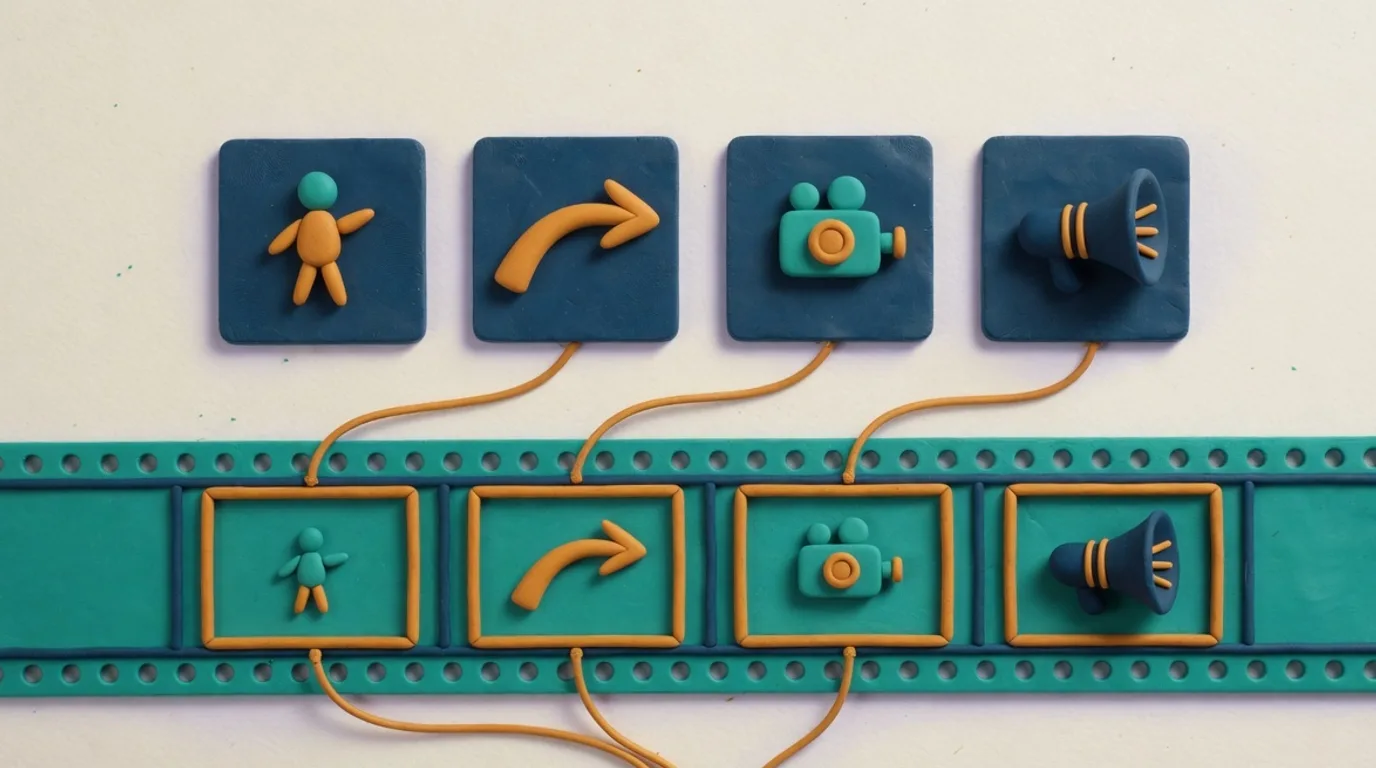
Kling 4.0 返回的片段始终带声音,且不接受 generate_audio(发了返回 400),所以只能在提示词里描述声音。写清楚环境声和你期望的音效;台词放在引号里,并写明是谁说的。API 不保证台词会照原文说出,也不保证口型对得上,每条结果都要自己检查。
接近 30 秒的 Kling 4.0 长镜头怎么写?
Kling 4.0 每个请求只接受一条提示词,API 也没有分镜提示词字段,所以 20 到 30 秒的片段建议按一个连续镜头来写。按发生顺序描述动作,用「先、然后、最后」这类词串起来,场景保持在一个地点,每个阶段配一个运镜或声音提示。如果故事需要切到另一个地点,就分成几条片段分别生成。
21:9 适合给横屏看的宽景,比如海岸线、追逐或侧面看过去的人群;Kling 4.0 在文生视频和参考图生视频里接受这个画幅。给手机看就选 9:16。图生视频和首尾帧的画幅跟随输入图,想要什么比例就先把图裁成什么比例。
用参考图时 Kling 4.0 的提示词怎么写?
参考图生视频在 reference_images 里接受 1 到 10 个公开 https 链接,片段把它们当作人物、物体或场景的参考,而不是直接当作画面帧。Makernice API 会原样发送提示词,没有定义指代图片的标记语法,所以要用普通文字按图片的描述和位置来指代,比如「第一张参考图里的女人」,并写清楚每张图在画面里做什么。
{
  "model": "kling-4.0",
  "mode": "r2v",
  "prompt": "The woman from the first reference image walks the dog from the second reference image along a beach at sunset, tracking shot from the side, waves and distant gulls",
  "reference_images": [
    "https://example.com/woman.jpg",
    "https://example.com/dog.jpg"
  ],
  "duration": 6,
  "aspect_ratio": "16:9"
}
Kling 4.0 请求会返回哪些 400 错误?
请求在冻结任何金额之前就会被校验。下面每种情况都返回 400 invalid_request,「错误信息」列是 API 返回的原文:
| 发送了什么 | 错误信息 | 怎么改 |
|---|---|---|
negative_prompt、seed 或 generate_audio | not supported for kling-4.0 … | 删掉该字段 |
duration 不在 3–30 之间 | must be an integer between 3 and 30 | 用 3 到 30 的整数秒 |
resolution 不是 720p 或 1080p | must be one of 720p, 1080p | 改成 720p 或 1080p |
i2v 或 flf 里带 aspect_ratio | not supported for this mode | 不发该字段 |
| t2v 或 r2v 里用了其它画幅 | must be one of 16:9, 9:16, 1:1, 21:9 | 从这四个里选 |
reference_images 超过 10 张 | at most 10 images | 最多发 10 张 |
API 没有定义的字段,如 multi_prompt | Unrecognized key: "multi_prompt" | 删掉它 |
prompt 超过 4,000 字符 | Too big: expected string to have <=4000 characters | 缩短提示词 |
来源:Makernice API POST /v1/generations/quote 的请求校验,2026 年 10 月 30 日。全部错误码见 API 文档。
Kling 4.0 多少钱?
按价表 v12(截至 2026 年 11 月 2 日),Kling 4.0 在 720p 为每秒 $0.168,1080p 为每秒 $0.252,默认的 5 秒 720p 片段为 $0.84。价格已包含音频,报价会在冻结任何金额之前给出确切金额。
延伸阅读:Kling 4.0 对比 Kling 3.0 讲怎么从 Kling 3.0 迁移,Kling 4.0 对比 Seedance 2.5 把它和字节跳动的模型放在一起比,Kling 4.0 模型页 列出全部字段。实时价格见 Pricing 页。